Pi-hole network-wide ad blocker
Run a DNS sinkhole on a Raspberry Pi to block unwanted domains for devices across a home network.
View original project ↗What you’re building
Pi-hole is a Linux DNS sinkhole that blocks requests for configured unwanted domains before content reaches devices on the network. On a Raspberry Pi 5, Pi Zero 2 W, or Pi 400 running a supported Debian-family system, the installer deploys Pi-hole FTL, command-line administration, and a web dashboard. Once the router advertises the Pi-hole host as DNS, phones, computers, televisions, and other DHCP clients can receive network-wide filtering without individual browser extensions. The core constraint is network authority: merely installing the service does not route any client through it. The Pi should have a stable address, the router’s DHCP/DNS settings must be changed, and only one DHCP server should remain active if Pi-hole’s built-in DHCP fallback is used.
Key steps
- Install a supported Linux system on the Raspberry Pi and give the host a stable network address.
- Review and run Pi-hole’s official installer, choosing the interface, upstream DNS provider, and blocking options.
- Open the Pi-hole dashboard and confirm that the FTL service is running.
- Configure the router’s DHCP service to advertise the Pi-hole address as DNS; if that is impossible, disable router DHCP before enabling Pi-hole DHCP.
- Renew a client’s DHCP lease and verify its DNS queries and blocked domains appear in the dashboard.
Original project and code
Hardware for this project
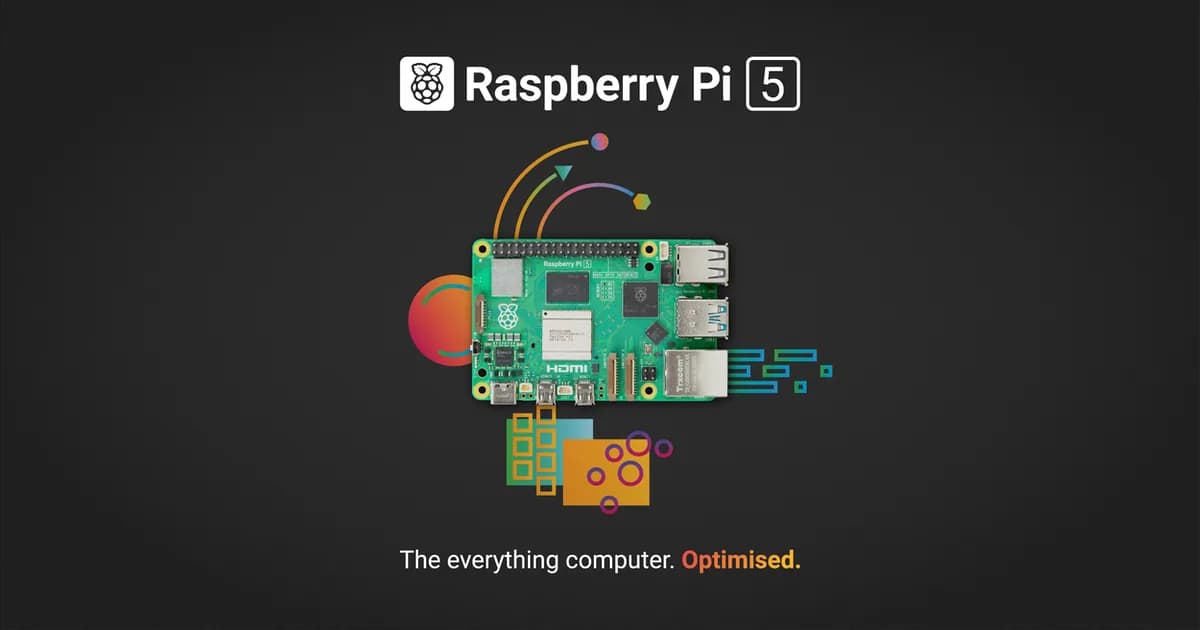
Raspberry Pi 5
General-purpose Linux single-board computer with a quad-core Cortex-A76 CPU, dual 4K display output, GPIO and PCIe expansion.
- Platform
- Broadcom BCM2712 quad-core Arm Cortex-A76, Raspberry Pi OS/Linux · Linux
- Builds
- 06
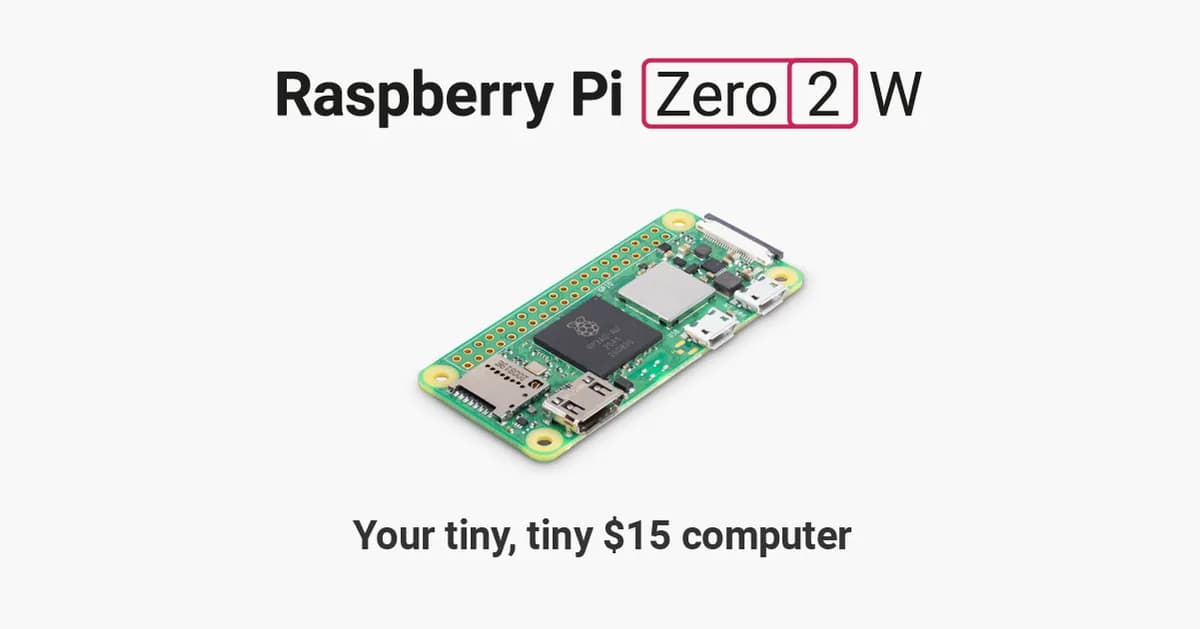
Raspberry Pi Zero 2 W
Compact Linux board with a quad-core Cortex-A53 processor, 512 MB RAM, Wi-Fi, Bluetooth and camera connectivity.
- Platform
- Raspberry Pi RP3A0 quad-core Arm Cortex-A53, Raspberry Pi OS/Linux · Linux
- Builds
- 07

Raspberry Pi 400
Raspberry Pi computer integrated into a compact keyboard, with GPIO, wireless networking and dual micro-HDMI output.
- Platform
- Broadcom BCM2711 quad-core Arm Cortex-A72, Raspberry Pi OS/Linux · Linux
- Builds
- 03