MagicMirror² smart mirror
Build a modular full-screen information dashboard commonly mounted behind a two-way mirror.
View original project ↗What you’re building
MagicMirror² is a modular Node.js and Electron information display designed primarily for Linux. On a Raspberry Pi attached to a screen, it renders a full-screen dashboard assembled from built-in and third-party modules, commonly showing time, calendar, weather, news, and other information behind a two-way mirror. The official manual installation clones the repository, installs dependencies, copies the sample configuration, and starts the local app; server-only and client-only modes are also available. The expected result is a configurable kiosk-style display rather than the physical mirror itself. The core team supports manual installation only, the required Node.js version is tied to each MagicMirror release, remote access is disabled by default, and a Pi Zero 2 W may be substantially slower during installation and rendering than newer Raspberry Pi models.
Key steps
- Install Linux, Git, and the Node.js version required by the selected MagicMirror² release.
- Clone the official MagicMirror repository and enter its directory.
- Run node --run install-mm and allow the dependency installation to finish without interruption.
- Copy config/config.js.sample to config/config.js and configure the desired built-in modules.
- Start with node --run start, or use the documented X11, server-only, or client-only command for that deployment.
Original project and code
Hardware for this project
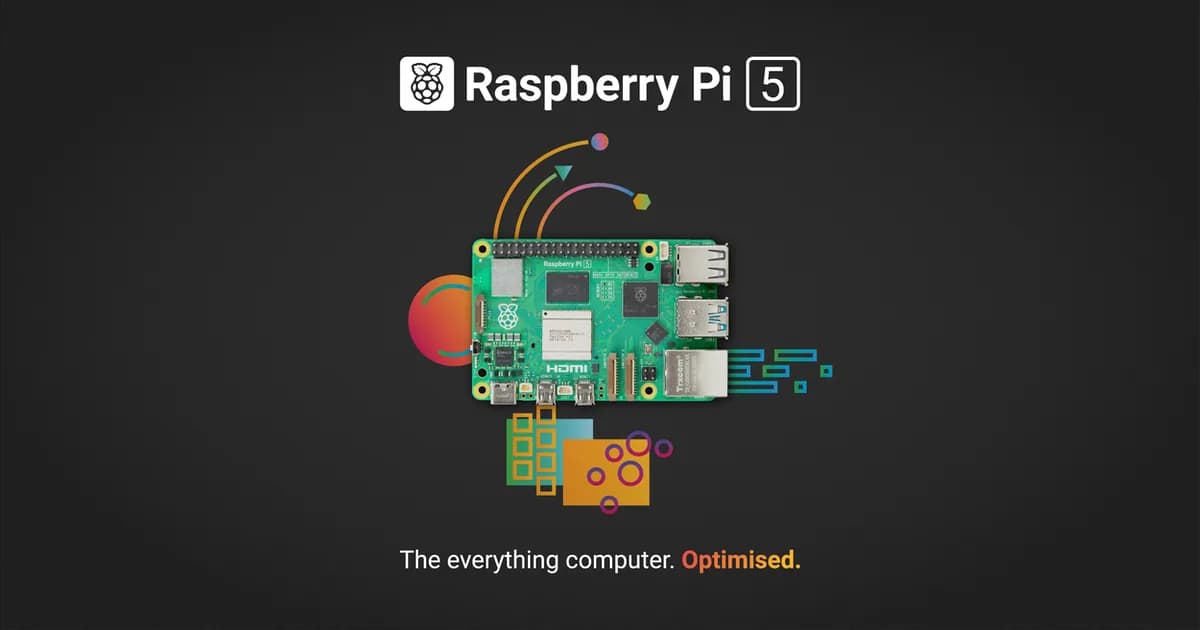
Raspberry Pi 5
General-purpose Linux single-board computer with a quad-core Cortex-A76 CPU, dual 4K display output, GPIO and PCIe expansion.
- Platform
- Broadcom BCM2712 quad-core Arm Cortex-A76, Raspberry Pi OS/Linux · Linux
- Builds
- 06
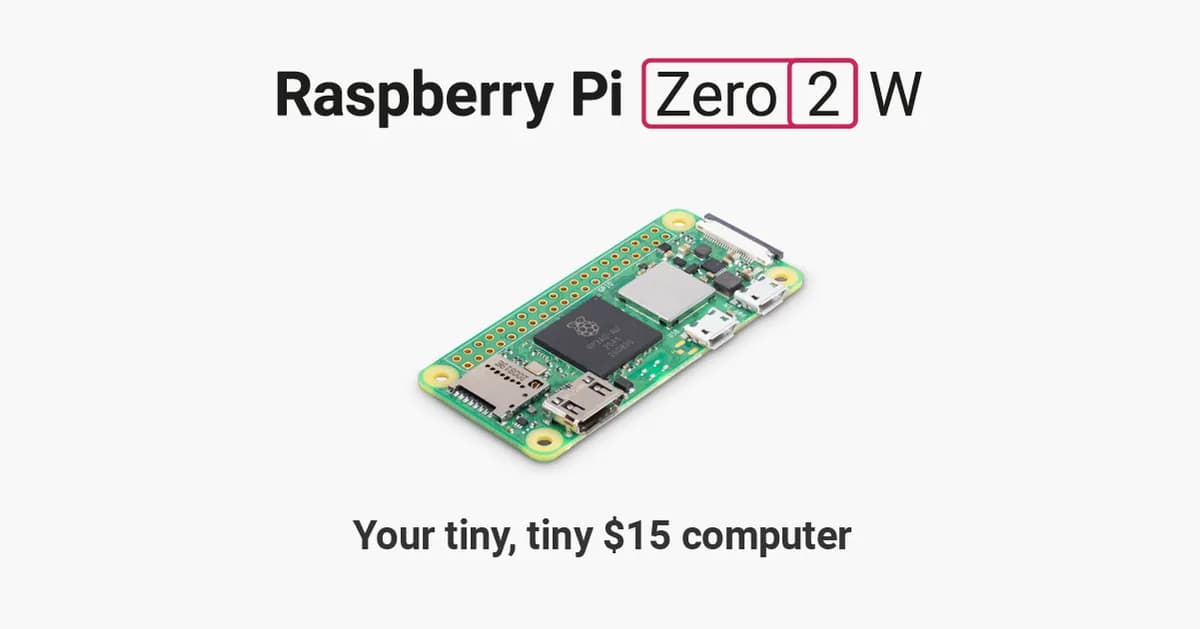
Raspberry Pi Zero 2 W
Compact Linux board with a quad-core Cortex-A53 processor, 512 MB RAM, Wi-Fi, Bluetooth and camera connectivity.
- Platform
- Raspberry Pi RP3A0 quad-core Arm Cortex-A53, Raspberry Pi OS/Linux · Linux
- Builds
- 07
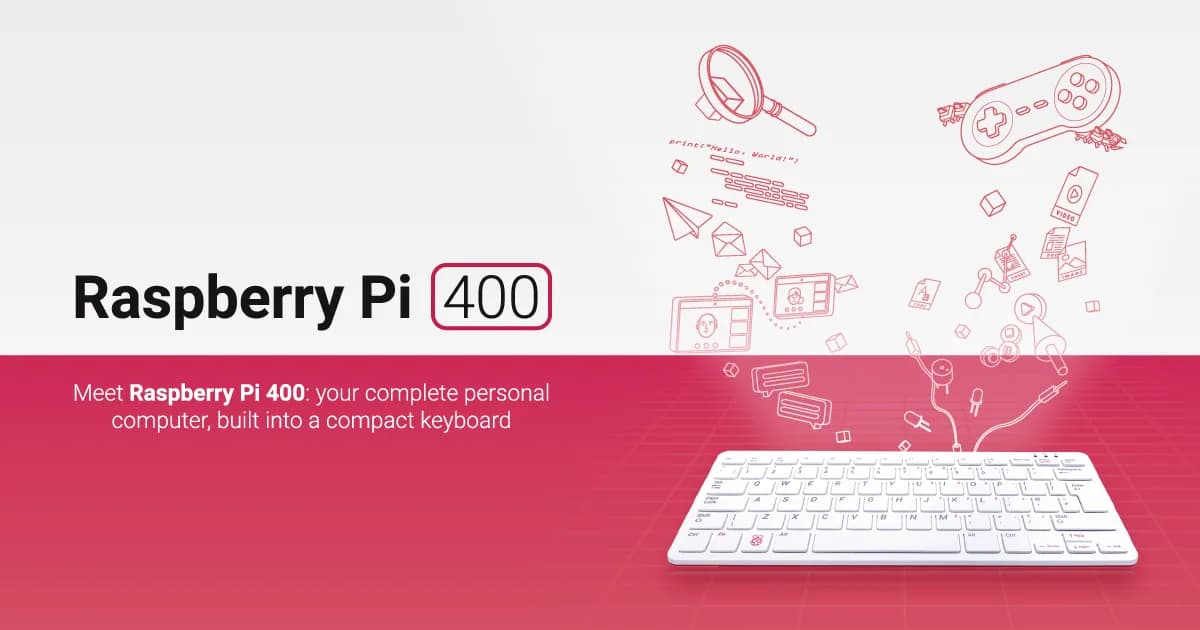
Raspberry Pi 400
Raspberry Pi computer integrated into a compact keyboard, with GPIO, wireless networking and dual micro-HDMI output.
- Platform
- Broadcom BCM2711 quad-core Arm Cortex-A72, Raspberry Pi OS/Linux · Linux
- Builds
- 03