MotionEye network camera
Host a web-managed video-surveillance and motion-detection service connected to supported cameras.
View original project ↗What you’re building
motionEye is a Python web front end for the Motion daemon that manages cameras, live views, recordings, and motion-related surveillance settings from a browser. It can run on APT-based Raspberry Pi Linux systems including Raspberry Pi 5 and Zero 2 W, provided Python 3.7 or newer and a camera supported by the underlying Linux and Motion stack are available. The documented package installation initializes a systemd service and exposes the management interface on port 8765. The expected outcome is a network-accessible camera dashboard where a connected camera can be added and configured. This is no longer the old motionEyeOS image workflow; it is an application installed into an existing operating system. On Debian 12 and similarly externally managed Python environments, pip needs the documented handling, and the default admin account has an empty password, which must be changed before any wider network exposure.
Key steps
- Install and test the camera in the underlying Raspberry Pi Linux system before adding motionEye.
- Install Python 3, ca-certificates, and cURL; add compilation dependencies only where prebuilt wheels are unavailable.
- Install pip using the repository’s documented method and account for Debian’s EXTERNALLY-MANAGED policy.
- Install motionEye with python3 -m pip and run motioneye_init to create the systemd-backed setup.
- Open http://PI_ADDRESS:8765, sign in as admin, and immediately set a strong admin password.
- Add the detected camera and configure viewing, recording, and motion settings for the authorized location.
Original project and code
Hardware for this project
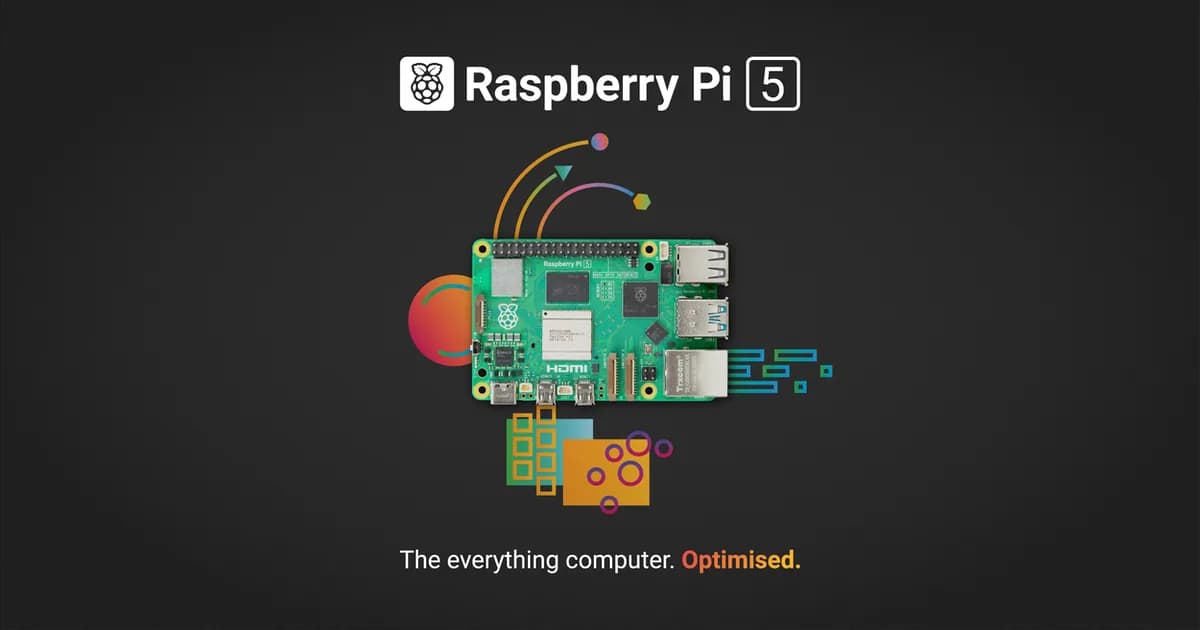
Raspberry Pi 5
General-purpose Linux single-board computer with a quad-core Cortex-A76 CPU, dual 4K display output, GPIO and PCIe expansion.
- Platform
- Broadcom BCM2712 quad-core Arm Cortex-A76, Raspberry Pi OS/Linux · Linux
- Builds
- 06
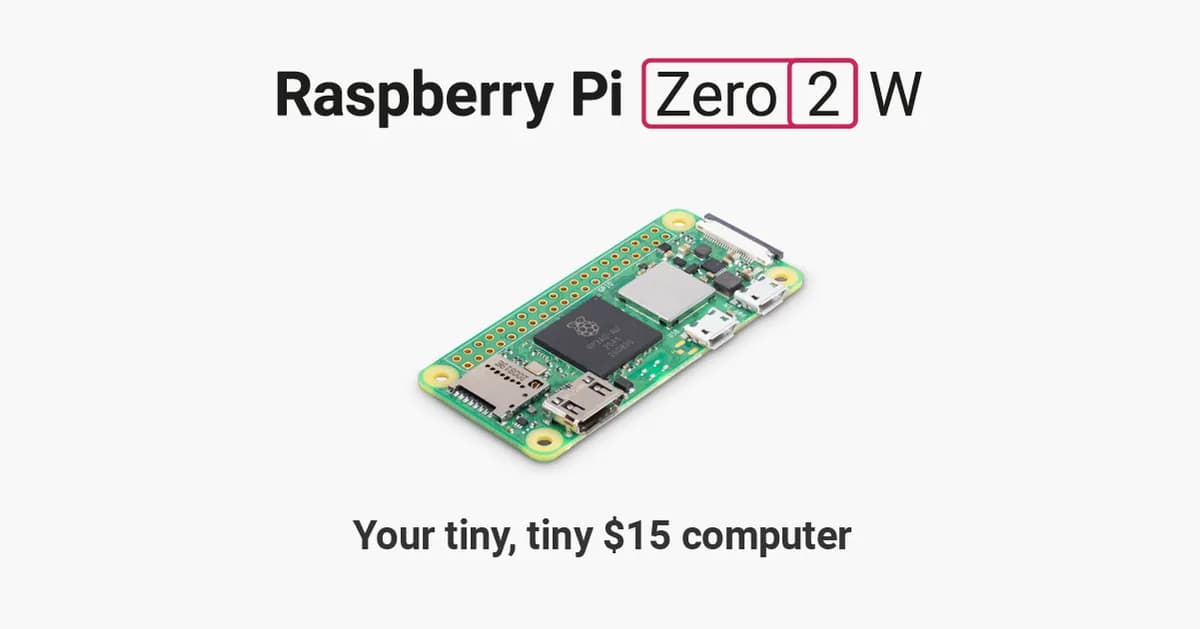
Raspberry Pi Zero 2 W
Compact Linux board with a quad-core Cortex-A53 processor, 512 MB RAM, Wi-Fi, Bluetooth and camera connectivity.
- Platform
- Raspberry Pi RP3A0 quad-core Arm Cortex-A53, Raspberry Pi OS/Linux · Linux
- Builds
- 07