SenseCAP Watcher Home Assistant integration
Connect Watcher's local vision and voice-triggered events to Home Assistant automations.
View original project ↗What you’re building
Seeed Studio’s integration routes SenseCAP Watcher task alarms into a supervised Home Assistant installation through the community SenseCraft integration. Home Assistant Green is the guide’s recommended host, but any Home Assistant host with Supervisor can be used. HACS installs the SenseCraft custom repository, after which Watcher is added by its capitalized device EUI using the local host/ID option. A Watcher task then enables HTTP Push Notification to the Home Assistant host on port 8887. When the task condition is detected, Home Assistant receives alarm data and can expose entities such as an alarm message or alarm image for dashboards and automations. The important constraints are firmware and deployment mode: the guide explicitly does not apply to Xiaozhi firmware, account-based device addition is unavailable, and the Watcher and Home Assistant host need network reachability. Installing HACS and a custom integration also expands the system’s trust and maintenance surface.
Key steps
- Confirm the Watcher is not running Xiaozhi firmware and that Home Assistant has Supervisor; enable Advanced Mode and install the Terminal & SSH add-on.
- Install HACS from the Home Assistant config directory, restart Home Assistant, add the HACS integration, and complete its GitHub authorization flow.
- Add https://github.com/Seeed-Solution/SenseCraft-HomeAssistant.git as a HACS custom Integration repository and download SenseCraft.
- Add the SenseCraft integration, choose local host/ID device addition, select Watcher, and enter the device EUI in uppercase.
- Create or deploy a Watcher detection task, enable HTTP Push Notification, set the URL to the Home Assistant IP on port 8887 with a blank token as documented, and verify an alarm populates the dashboard before building automations.
Original project and code
Hardware for this project
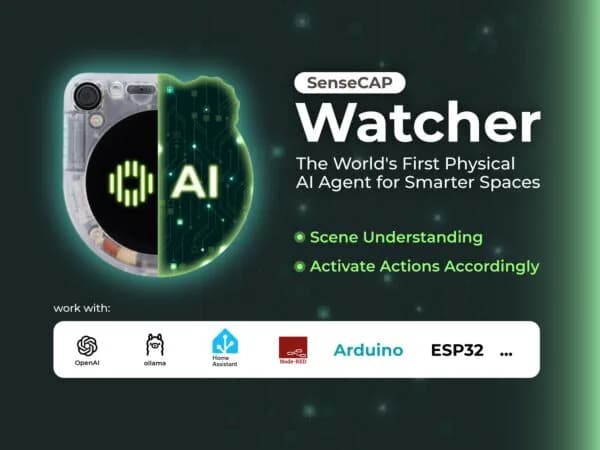
SenseCAP Watcher
Desk-sized physical AI sensor with camera, microphones, speaker and touchscreen for local event detection and automation.
- Platform
- ESP32-S3 plus Himax WiseEye2 HX6538 (Cortex-M55/Ethos-U55)
- Builds
- 02