Matter device examples for Nano ESP32
Create Matter-compatible lights, switches, sensors or plugs using the ESP32 Arduino core's official examples.
View original project ↗What you’re building
The official Arduino-ESP32 Matter examples demonstrate how an ESP32 target can expose standards-based smart-home endpoints such as on/off and dimmable lights, plugs, buttons, blinds, fans, thermostats, contact, occupancy, leak, pressure, humidity, light, and temperature sensors. Arduino Nano ESP32 uses an ESP32-S3 module supported by the core, so a compatible example can be compiled for the board and commissioned into a Matter controller. The expected result is a discoverable accessory whose endpoint state maps to the example’s GPIO or simulated values. These examples are starting points, not universal drop-in products: Matter support, partition settings, GPIO assignments, and the controller’s commissioning path must match the chosen sketch and current Arduino-ESP32 core, and real mains-powered plug or appliance work requires properly isolated hardware.
Key steps
- Install a current Arduino-ESP32 core that includes the Matter library and select Arduino Nano ESP32 as the target.
- Choose one first-party Matter example whose endpoint type matches the intended low-voltage hardware, such as MatterOnOffLight or MatterTemperatureSensor.
- Review and adapt the example’s pin definitions and initial endpoint state without changing its commissioning flow.
- Compile and upload the sketch, then open serial output to obtain the example’s commissioning information and status.
- Commission the accessory with a compatible Matter controller and verify that controller state changes are reflected by the endpoint.
Original project and code
Hardware for this project
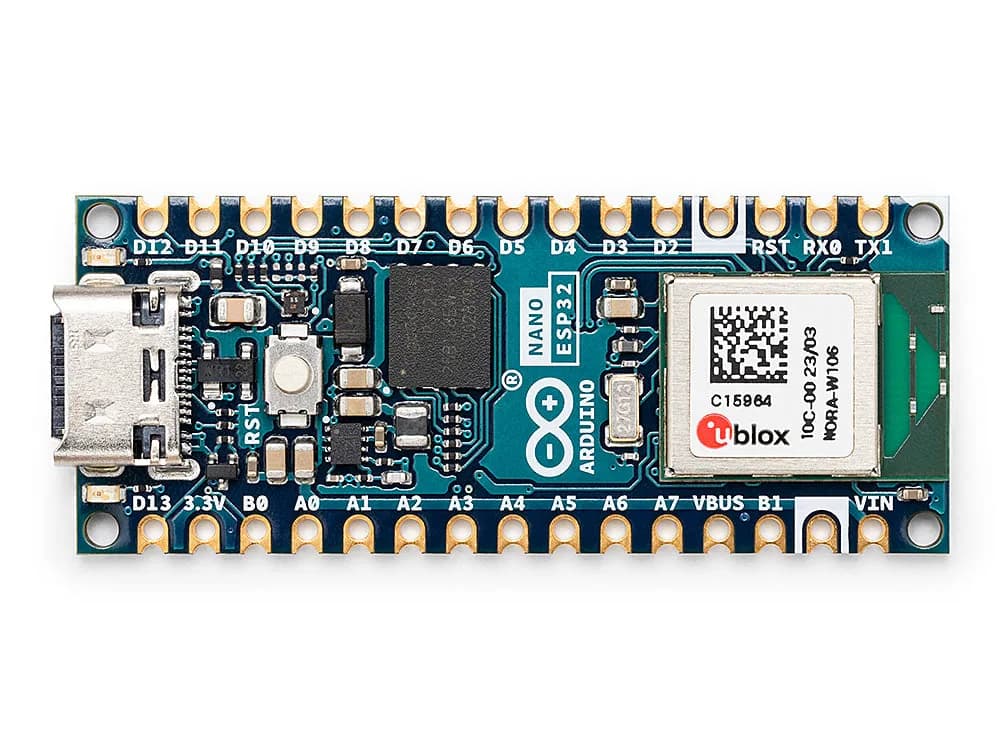
Nano ESP32
Nano-form-factor ESP32-S3 board supporting Arduino and MicroPython workflows with Wi-Fi and Bluetooth LE.
- Platform
- u-blox NORA-W106 module with Espressif ESP32-S3 · Arduino
- Builds
- 02