Pico MicroPython examples
Official sample scripts demonstrate MicroPython hardware control and network features on Pico boards.
View original project ↗What you’re building
Raspberry Pi’s official pico-micropython-examples repository supplies small MicroPython scripts that accompany the Pico Python SDK book. The tree covers basic GPIO blinking, ADC temperature, interrupts, PWM fading, SPI, UART, I2C displays, multicore use, programmable I/O, NeoPixel output, and—on wireless Pico variants—Wi-Fi web serving and Bluetooth temperature examples. On a Pico 2 W, the expected workflow is to install a compatible MicroPython UF2, open a MicroPython-capable editor or REPL, and run one example at a time, adapting pin assignments and wiring to the selected script. The result is a focused demonstration rather than one combined application. The compatibility constraint is age: the repository accompanies the RP2040-era SDK, while Pico 2 W uses RP2350. Many basic scripts may transfer, but every peripheral, PIO, Wi-Fi, and Bluetooth example should be checked against the current Pico 2 W MicroPython build and documentation before wiring or deployment.
Key steps
- Install a MicroPython UF2 explicitly compatible with the exact Pico board, then reconnect and confirm the REPL is available.
- Clone the official examples and choose one narrow directory, such as blink, adc, pwm, i2c, pio, wireless, or bluetooth.
- Read that example’s source and any accompanying AsciiDoc or wiring diagram, then connect only the documented pins and components.
- Copy or run the selected .py file through the editor or REPL and observe the expected GPIO, display, serial, network, or Bluetooth behavior.
- For Pico 2 W, validate RP2040-specific PIO/peripheral assumptions and wireless APIs against the current RP2350 MicroPython documentation before treating the example as production-compatible.
Original project and code
Hardware for this project
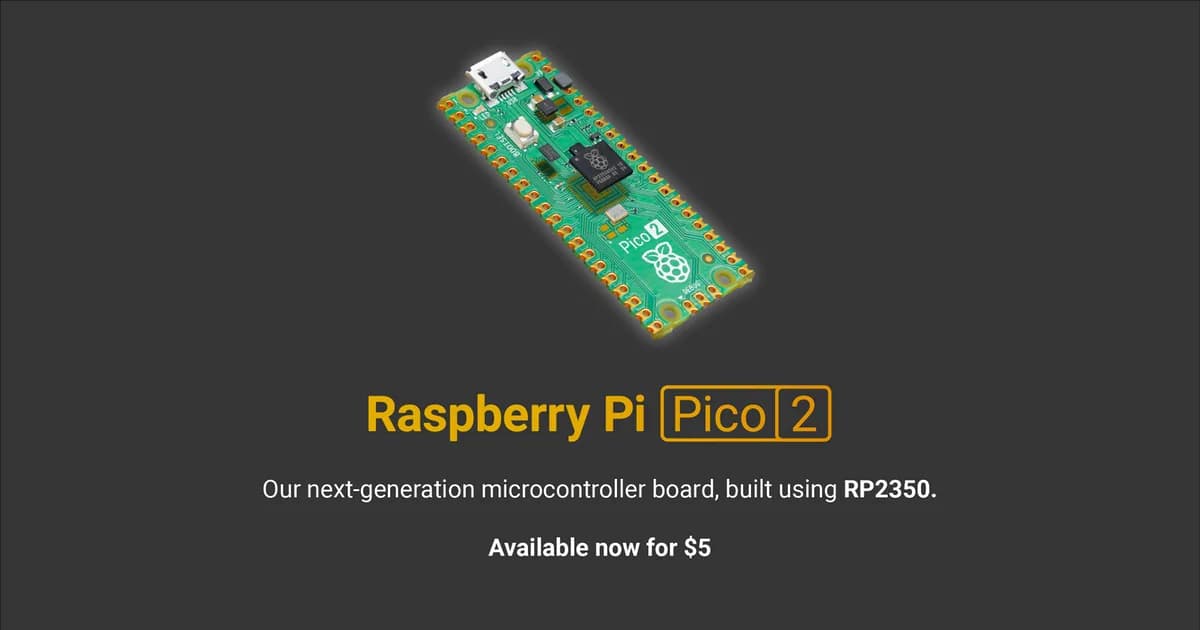
Raspberry Pi Pico 2 W
Wireless RP2350 microcontroller board with selectable Arm or RISC-V cores, 2.4 GHz Wi-Fi, Bluetooth and programmable I/O.
- Platform
- Raspberry Pi RP2350 dual-core Arm Cortex-M33/RISC-V plus wireless · PIO
- Builds
- 03