OGX-Mini 2026 controller bridge
Turn a Pico 2 W into a Bluetooth and USB gamepad bridge for modern, retro and desktop targets.
View original project ↗What you’re building
OGX-Mini 2026 is an actively developed firmware fork that treats Raspberry Pi Pico 2 W as a supported and maintainer-tested target. Its regular USB output modes accept supported controllers over Bluetooth or, with the repository’s external PIO USB wiring, wired USB; outputs include original Xbox, Xbox 360, Switch Pro, PS3, DirectInput and SteamOS/Bazzite. The current develop-latest release provides a board-specific PI_PICO2W UF2, while the repository also documents a source-build path. This is not a plug-and-play Pico-only flash: wired controller input needs the project’s USB data-line circuit, and the hardware notes say Pico 2 may need 4.7 kΩ pull-down resistors on those lines. The Wii output build reserves Bluetooth for the emulated Wiimote link and therefore needs wired input through that external PIO USB port. Retro GPIO output modes need a correctly wired controller cable and Bluetooth input; GameCube and N64 also require dedicated builds. PS4 motion output still needs a licensed authentication adapter, and the maintainers limit hardware support to named boards and first-party controllers. Treat develop-latest as pre-release firmware, back up settings, select the PI_PICO2W artifact exactly, and validate one controller/target combination before permanent installation.
Key steps
- Read the repository support policy, hardware diagram and target-mode notes first; choose Bluetooth input for the simplest Pico 2 W setup, or build the documented PIO USB host circuit for wired controllers.
- Open the develop-latest release, download only the PI_PICO2W Multi UF2, and note that this rolling artifact is marked pre-release; alternatively clone the repository and use its interactive build script with the PI_PICO2W target.
- Hold BOOTSEL while connecting Pico 2 W, copy the selected UF2 to the RP2350 mass-storage drive, wait for the board to reboot, and connect its main USB port to the intended host or console.
- Pair one maintainer-supported first-party Bluetooth controller for a regular USB output mode, or attach one supported wired controller through the separately wired PIO USB host port, then confirm basic buttons and sticks before changing output mode.
- Hold the documented three-second button combination for the intended regular USB output mode. For retro GPIO output, use Bluetooth input and wire the matching console controller cable; use a dedicated firmware build for GameCube or N64. For Wii output, use its dedicated build and the external PIO USB host for wired controller input.
- Verify enumeration, every control, disconnect/reconnect and rumble on the exact target. Do not assume native PS4 support: that motion mode requires a separate licensed authentication adapter.
Original project and code
Original project pages, manufacturer documentation and repositories used while preparing this page. Last reviewed .
Hardware for this project
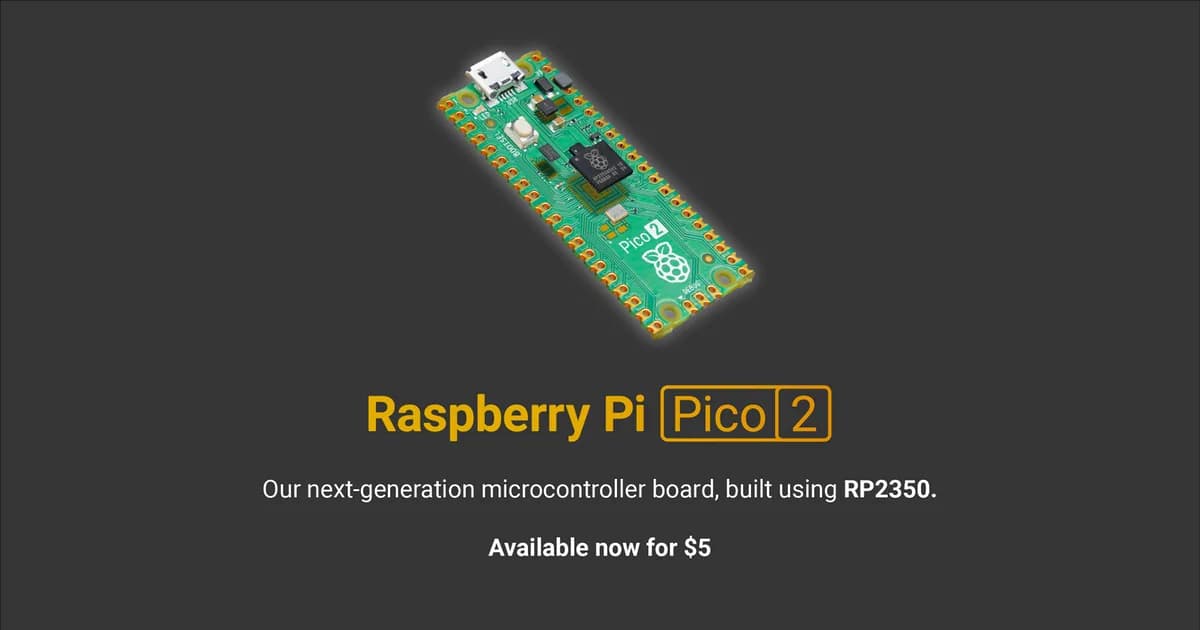
Raspberry Pi Pico 2 W
Wireless RP2350 microcontroller board with selectable Arm or RISC-V cores, 2.4 GHz Wi-Fi, Bluetooth and programmable I/O.
- Platform
- Raspberry Pi RP2350 dual-core Arm Cortex-M33/RISC-V plus wireless · PIO
- Builds
- 03