Pico 2 W wireless examples
Official C/C++ examples cover Wi-Fi, Bluetooth, PIO, USB and peripherals across the Pico family.
View original project ↗What you’re building
Raspberry Pi’s pico-examples repository is the official C/C++ sample suite for the Pico SDK. For Pico 2 W, it covers RP2350 fundamentals plus GPIO, ADC, I2C, SPI, UART, PWM, PIO, multicore, low-power, flash, USB, Wi-Fi networking, Bluetooth, and many SDK subsystems. CMake selects the hardware through PICO_PLATFORM and PICO_BOARD, producing individual binaries or UF2 files that can be copied to a board in BOOTSEL mode. The expected outcome is a small, inspectable hardware or wireless demonstration that can become a project baseline. Examples are not all portable: RP2040-only, RP2350-only, Wi-Fi, Bluetooth, and external pico-extras targets are conditionally available, so the board/platform configuration must match the selected example before building or flashing.
Key steps
- Install the Pico SDK toolchain and clone pico-examples with access to the matching pico-sdk checkout.
- Choose an example compatible with RP2350 and, for network examples, a board that includes Wi-Fi or Bluetooth.
- Configure CMake for RP2350 and the Pico 2 W board using the documented PICO_PLATFORM and PICO_BOARD variables.
- Build the selected target and locate its generated UF2 or binary output.
- Hold BOOTSEL while connecting the board, copy the UF2 to the mounted drive, and verify the example’s documented behavior.
Original project and code
Hardware for this project
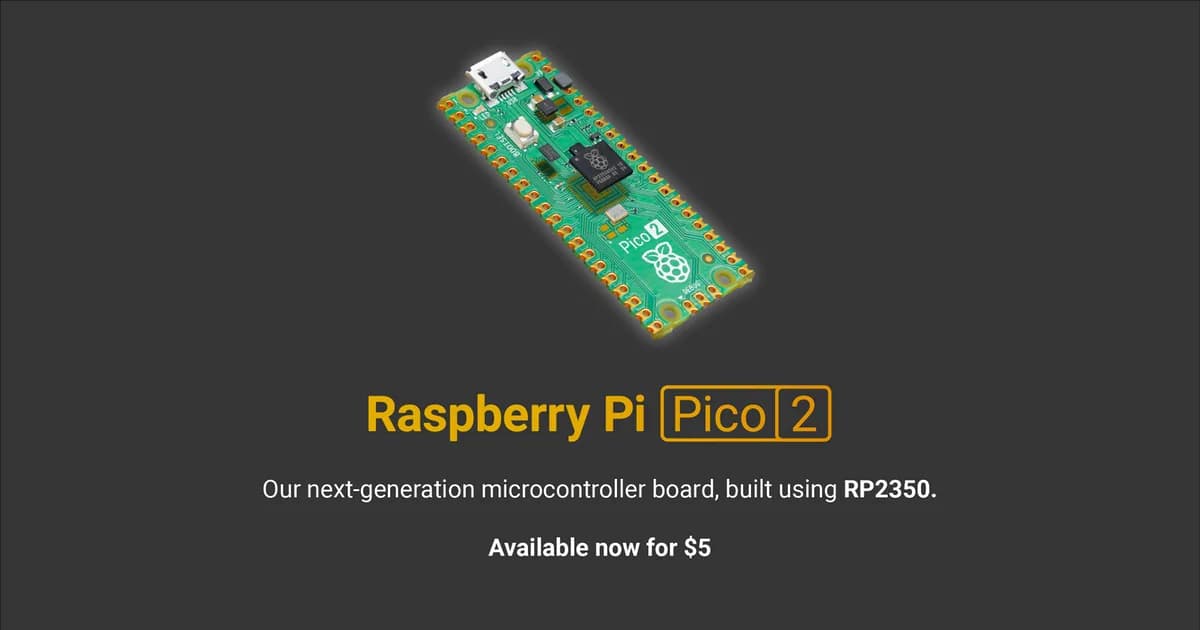
Raspberry Pi Pico 2 W
Wireless RP2350 microcontroller board with selectable Arm or RISC-V cores, 2.4 GHz Wi-Fi, Bluetooth and programmable I/O.
- Platform
- Raspberry Pi RP2350 dual-core Arm Cortex-M33/RISC-V plus wireless · PIO
- Builds
- 03