01
MicroPython on Arduino Nano ESP32
Install MicroPython on the Nano ESP32 and run interactive scripts instead of the standard Arduino workflow.
language runtime
Language runtimes provide an interactive programming layer rather than a finished gadget. The catalogue pairs Arduino Nano ESP32 with Arduino’s MicroPython board examples and Raspberry Pi Pico 2 W with the official Pico MicroPython examples. Both shorten the edit-run loop for GPIO and network experiments, but their board modules, pin naming, firmware images, and wireless APIs are platform-specific. A script written for Nano ESP32 should not be assumed to run unchanged on RP2350-based Pico 2 W. Install the firmware intended for the exact board, preserve a recovery or erase procedure, and match examples to the documented runtime release. Treat voltage limits as hardware facts regardless of the language’s convenience. Compare compatible devices, explore original projects and use the linked guides to get moving.
3 entries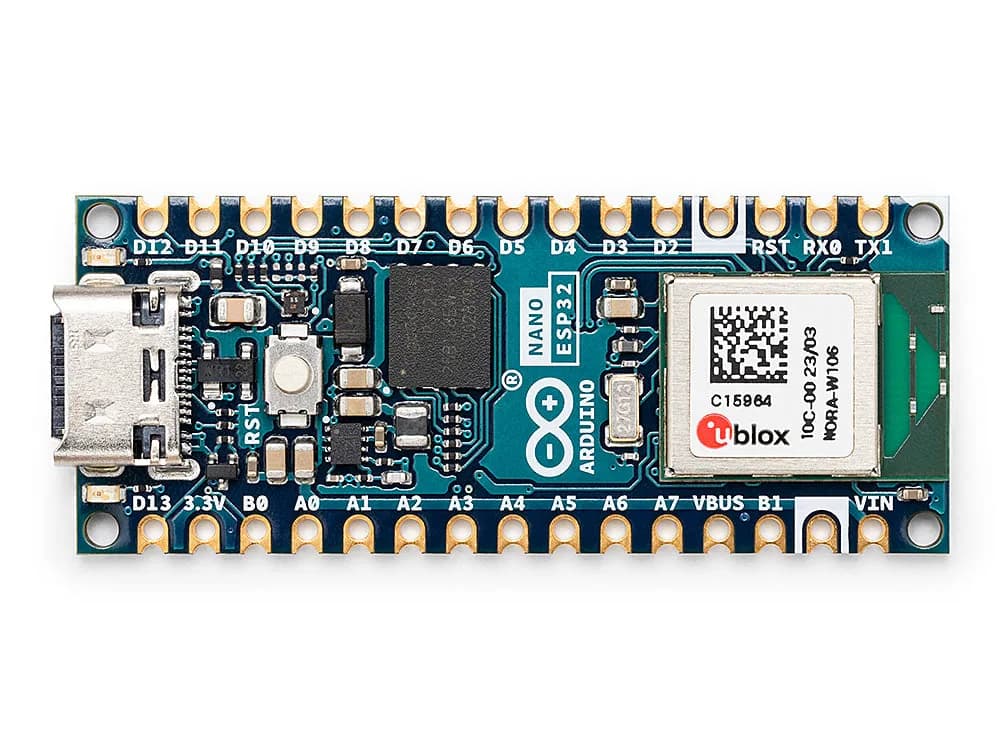
Nano-form-factor ESP32-S3 board supporting Arduino and MicroPython workflows with Wi-Fi and Bluetooth LE.
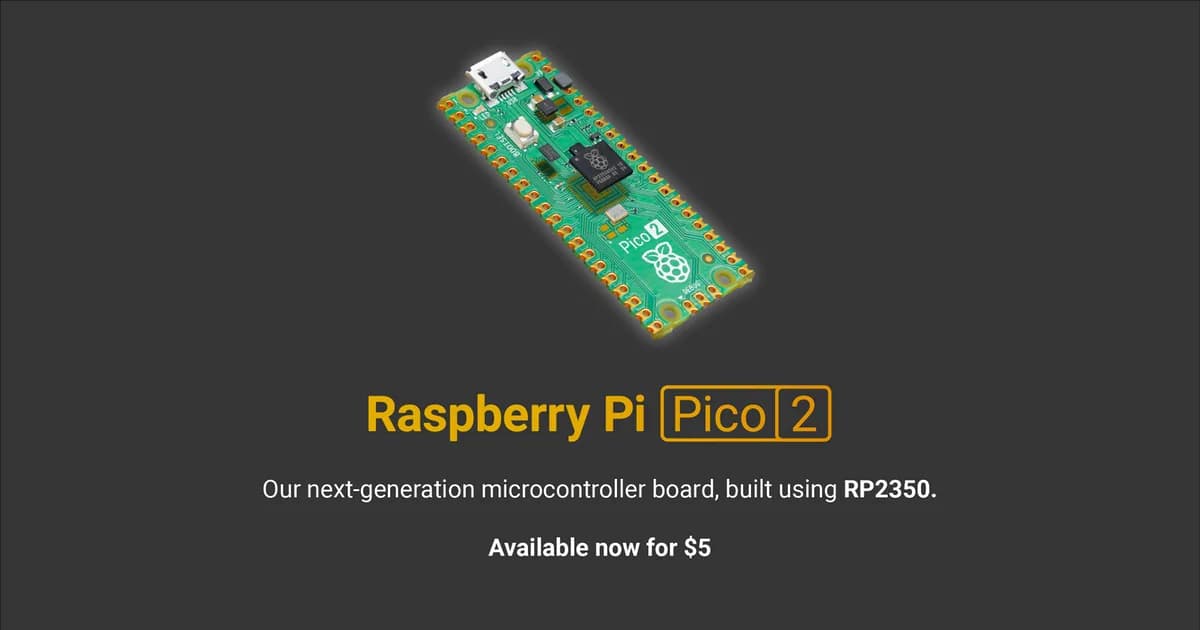
Wireless RP2350 microcontroller board with selectable Arm or RISC-V cores, 2.4 GHz Wi-Fi, Bluetooth and programmable I/O.