AtomS3 user demo
Reference project for learning AtomS3 screen, button, IMU and infrared functions.
View original project ↗What you’re building
M5AtomS3-UserDemo is M5Stack’s PlatformIO reference firmware for evaluating AtomS3 hardware. The source implements a screen-driven menu with tests for Wi-Fi scanning, I2C scanning, UART monitoring, PWM, analog input, infrared transmission, and the MPU6886 IMU. It targets the AtomS3’s ESP32-S3 platform and uses M5Unified, M5GFX, an MPU6886 driver, Madgwick filtering, and Espressif infrared/RMT support. After upload, the expected outcome is an interactive diagnostic program that lets the device button enter or leave each hardware test while the 0.85-inch display reports results. This repository is a hardware-evaluation demo rather than a reusable end-user application, and its README only documents PlatformIO as the toolchain. Infrared transmission is configured around the repository’s fixed AtomS3 pin and NEC-frame implementation, so it should be tested only with compatible, authorized equipment.
Key steps
- Clone or download M5AtomS3-UserDemo and open the repository as a PlatformIO project.
- Allow PlatformIO to resolve the libraries and environment declared by platformio.ini.
- Connect the AtomS3 by USB and upload the firmware from PlatformIO.
- Use the AtomS3 button to move through and enter Wi-Fi, I2C, UART, PWM, ADC, IR, and IMU tests.
- Read the on-screen results and exit each function before selecting the next hardware test.
Original project and code
Hardware for this project
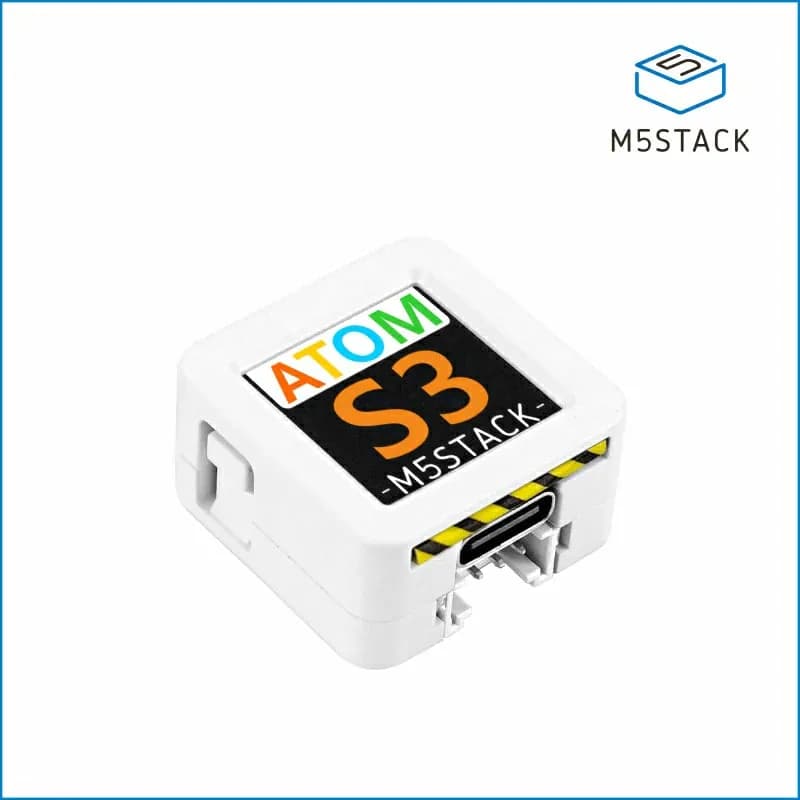
AtomS3
24 mm ESP32-S3 development controller with a 0.85-inch color display, programmable button, IMU and Grove connector.
- Platform
- Espressif ESP32-S3, Arduino/ESP-IDF/UIFlow
- Builds
- 01