M5Stack-Avatar animated face
Arduino library and examples for rendering expressive animated faces on M5Stack displays.
View original project ↗What you’re building
M5Stack-Avatar is an Arduino library that renders animated character faces on M5Stack displays. It supplies a configurable Avatar object, expression and gaze controls, speech text, color palettes, face customization, and optional lip-sync tasks. Current releases depend on M5Unified, allowing sketches to target compatible M5Stack-family devices rather than the older device-specific M5Stack or M5Core2 headers; Core2 and M5StickC PLUS2 are compatible M5Unified targets represented here. Installing the library and running its examples produces a responsive face drawn on the device screen, ready to be incorporated into a robot or interactive display. It is a library, not complete standalone firmware. Complex applications may reboot if other tasks leave too little stack, and AquesTalk-based lip sync has separate key and dictionary requirements for some speech modes.
Key steps
- Install the board’s USB driver and configure its Arduino or PlatformIO toolchain.
- Install both M5Unified and M5Stack-Avatar from Library Manager or with PlatformIO.
- Create a sketch that includes M5Unified.h and Avatar.h, calls M5.begin(), and initializes an Avatar instance.
- Upload a repository example, then use the Avatar APIs to set expression, gaze, speech text, palette, or a custom face.
- If a larger application resets, increase the stack allocation of the competing task as noted by the project.
Original project and code
Hardware for this project
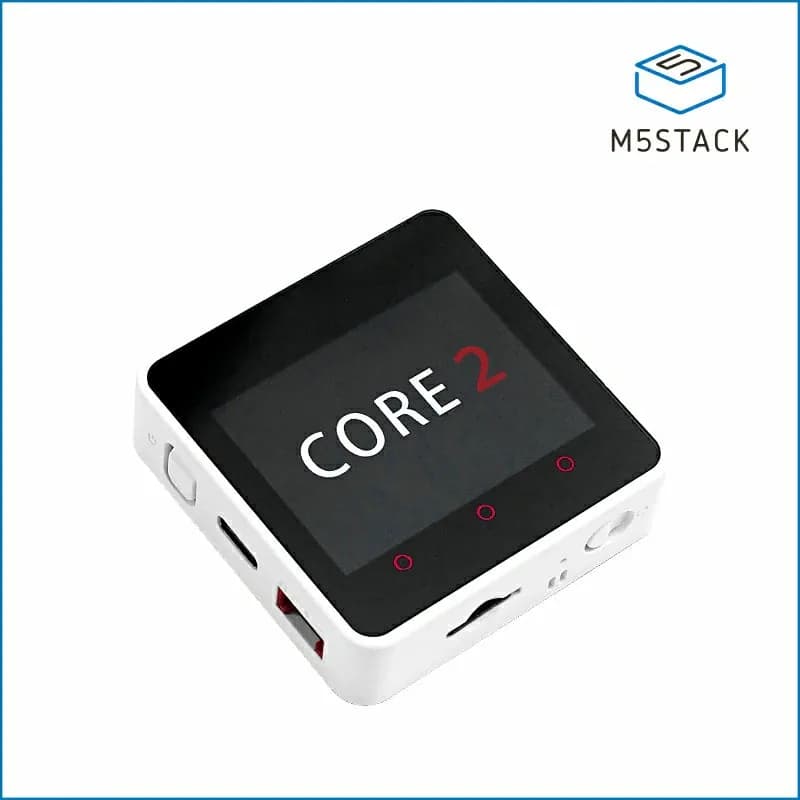
Core2
Stackable ESP32 IoT controller with a 2-inch capacitive touchscreen, battery, IMU, speaker and Grove expansion.
- Platform
- Espressif ESP32-D0WDQ6-V3, Arduino/ESP-IDF/UIFlow
- Builds
- 03
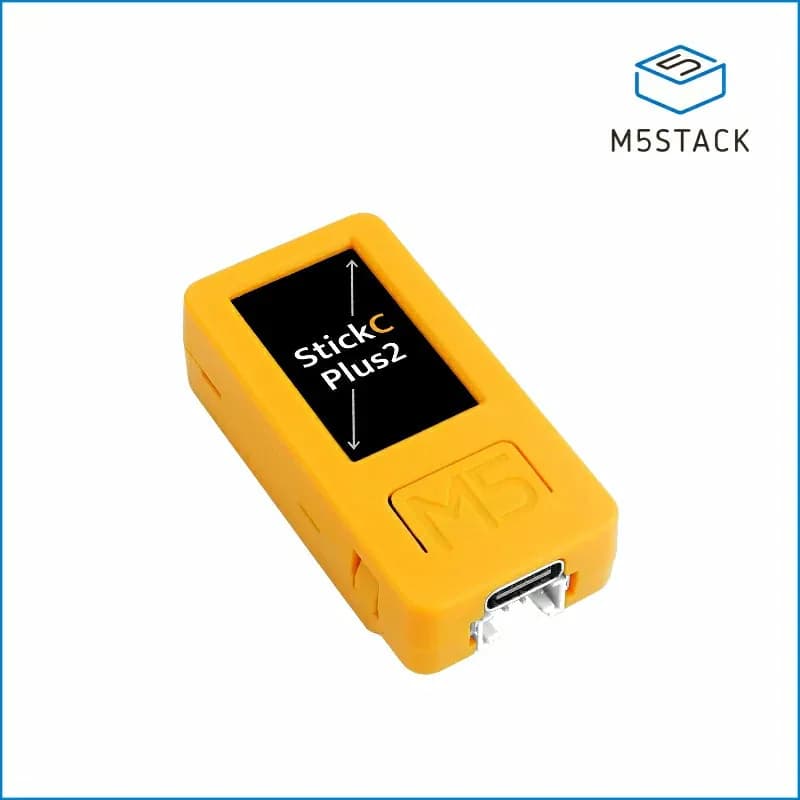
M5StickC PLUS2
Compact battery-powered ESP32 controller with a 1.14-inch display, IMU, microphone, RTC, infrared emitter and buttons.
- Platform
- Espressif ESP32-PICO-V3-02, Arduino/ESP-IDF/UIFlow
- Builds
- 04