M5Stack Launcher
Install and manage firmware binaries from SD card or over the network across supported ESP32 handheld boards.
View original project ↗What you’re building
M5Stack Launcher is firmware for managing and replacing ESP32 application binaries without repeatedly returning to a desktop flashing workflow. The repository supports Cardputer and many M5Stack, LilyGO, Marauder, and CYD devices, with device-specific release binaries. Once installed, Launcher can install firmware from microSD, fetch compatible binaries through OTA sources such as M5Burner or GitHub links, or accept uploads through its WebUI; it also exposes SD file management and backup functions. The expected result is a bootable on-device firmware picker and installer rather than a multi-boot runtime. A crucial constraint is that writing another firmware replaces the currently active firmware and may alter partitions or filesystems; users should choose the exact device binary and back up SD, SPIFFS, or FAT data before formatting or installation.
Key steps
- Download the Launcher release binary whose filename matches the exact device model.
- Flash the matching Launcher binary with the linked web flasher or esptool and reboot into Launcher.
- Place compatible firmware binaries on microSD, or select OTA to browse online M5Burner or GitHub sources.
- Choose a binary, review any partition or SPIFFS prompt, and allow Launcher to validate and install it.
- Use the WUI option when wireless upload or SD file management from a phone or computer is preferred.
Original project and code
Hardware for this project
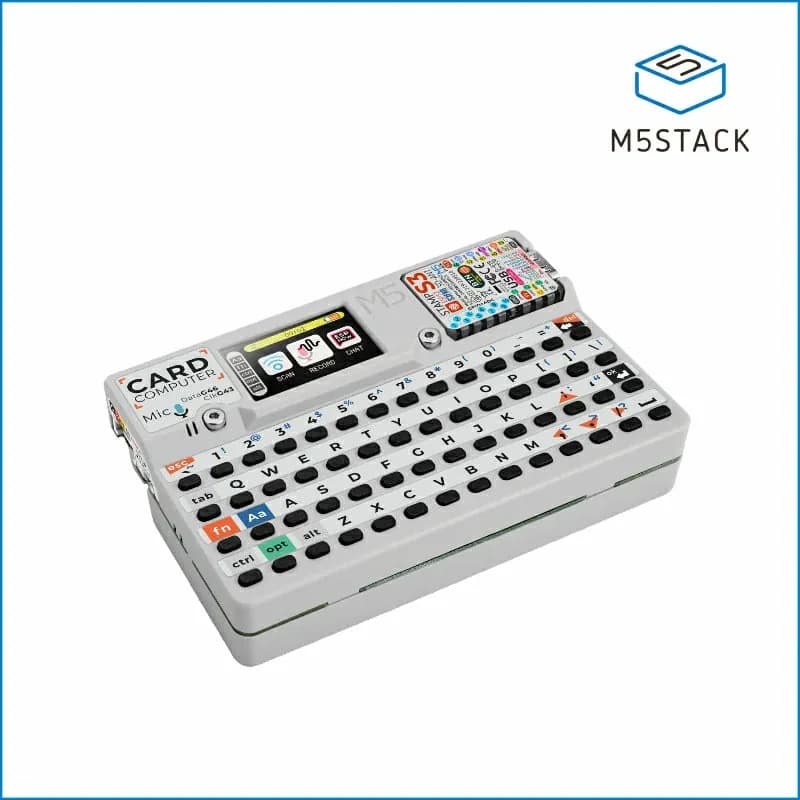
Cardputer
Pocket ESP32-S3 computer with a 56-key keyboard, 1.14-inch display, audio, infrared, microSD and expansion access.
- Platform
- Espressif ESP32-S3 (StampS3), Arduino/ESP-IDF/UIFlow
- Builds
- 07
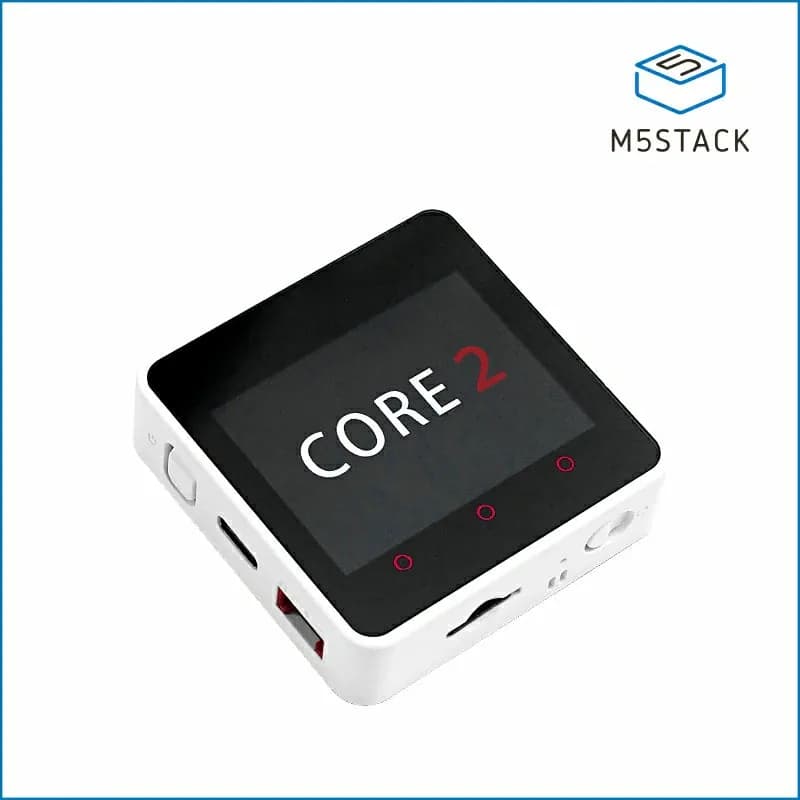
Core2
Stackable ESP32 IoT controller with a 2-inch capacitive touchscreen, battery, IMU, speaker and Grove expansion.
- Platform
- Espressif ESP32-D0WDQ6-V3, Arduino/ESP-IDF/UIFlow
- Builds
- 03
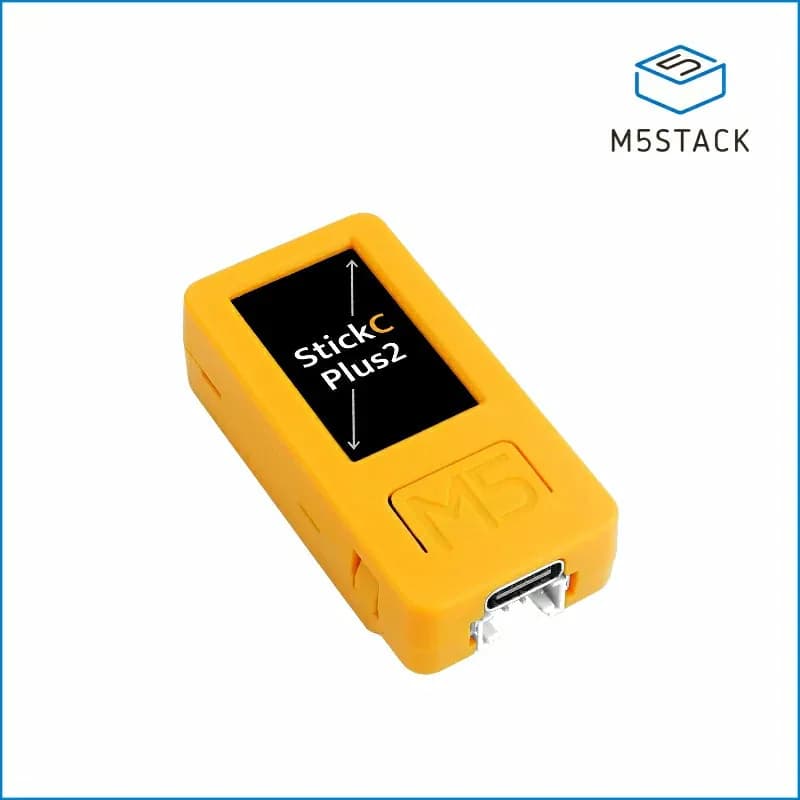
M5StickC PLUS2
Compact battery-powered ESP32 controller with a 1.14-inch display, IMU, microphone, RTC, infrared emitter and buttons.
- Platform
- Espressif ESP32-PICO-V3-02, Arduino/ESP-IDF/UIFlow
- Builds
- 04
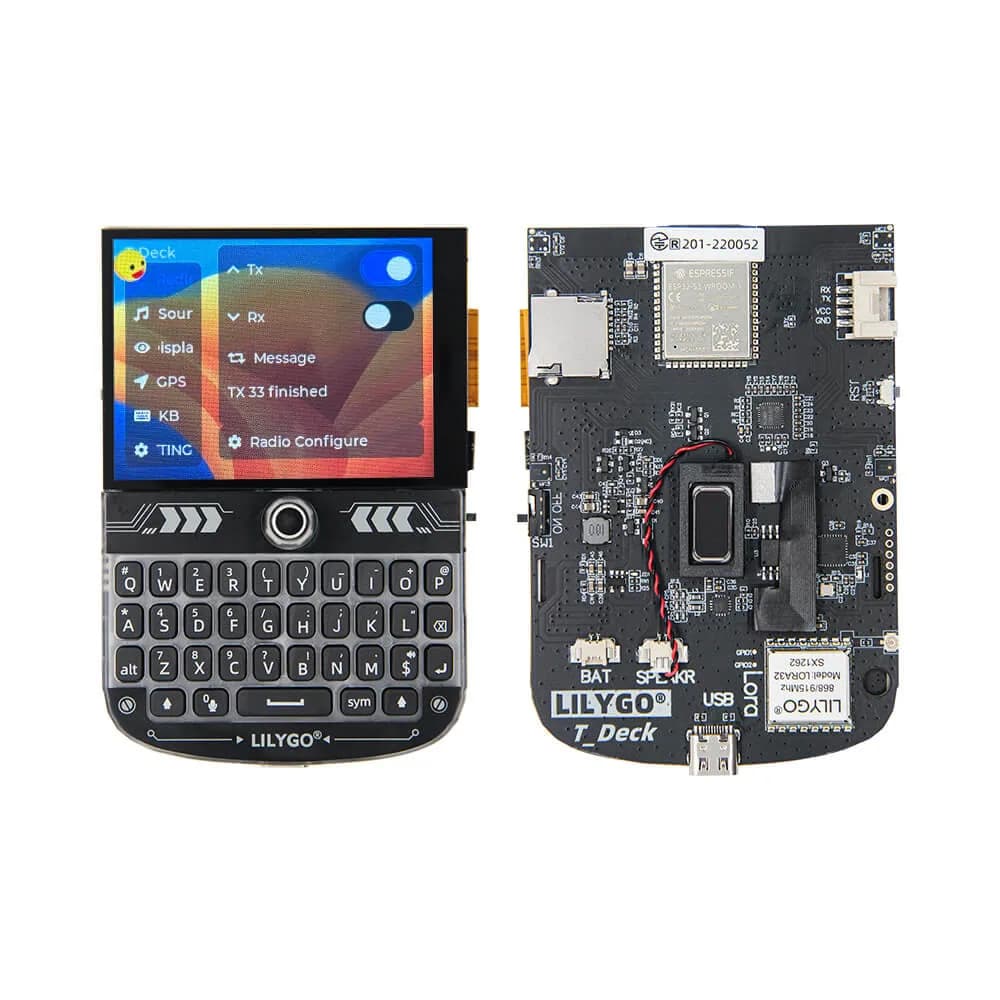
T-Deck
Pocket ESP32-S3 communicator platform with keyboard, trackball, 2.8-inch touchscreen, audio and optional LoRa radio.
- Platform
- Espressif ESP32-S3 with optional SX1262 LoRa
- Builds
- 05