NEMO portal and Wi-Fi toolkit
ESP32 firmware combining captive-portal demonstrations, Wi-Fi test functions and infrared tools on supported M5Stack devices.
View original project ↗What you’re building
NEMO is Arduino-based firmware for several M5Stack ESP32 devices, including M5Cardputer and M5StickC Plus-family hardware. It combines defensive inspection modes—such as BadUSB Hunter, BLE advertisement monitoring, Wi-Fi deauthentication detection, and PineAP-style rogue-access-point detection—with Wi-Fi spam, infrared control, and a captive-portal demonstration. On Cardputer, the keyboard provides menu navigation and the microSD slot can store portal output; M5Stick variants have different controls and need extra hardware for SD logging. Installation can use official NEMO builds in M5Burner, a merged binary with esptool, or a source build through Arduino tooling. The expected outcome is a handheld diagnostic and demonstration menu, not a general-purpose network-security appliance. The critical constraint is lawful, consent-based use: the portal records submitted credentials, and the repository says it is for scoped professional engagements, education, or demonstrations, not collecting personal information without consent.
Key steps
- Select the exact target hardware: Cardputer uses the StampS3/Cardputer build and keyboard controls, while StickC models use their own board definitions and buttons.
- For the simplest installation, open M5Burner, select StickC or StampS3 as appropriate, search for NEMO, and choose the build uploaded by 4x0nn.
- Alternatively, install the M5Stack board package plus the matching device library and IRremoteESP8266 in Arduino IDE or Arduino CLI, then compile for the exact board.
- Flash the firmware, start it, and use Home, Next/Previous, and Select controls documented for that device to navigate the menu.
- Exercise detection or portal features only in a controlled lab; format an optional SD card as FAT if Cardputer logging is intentionally required, then securely remove test data.
Original project and code
Hardware for this project
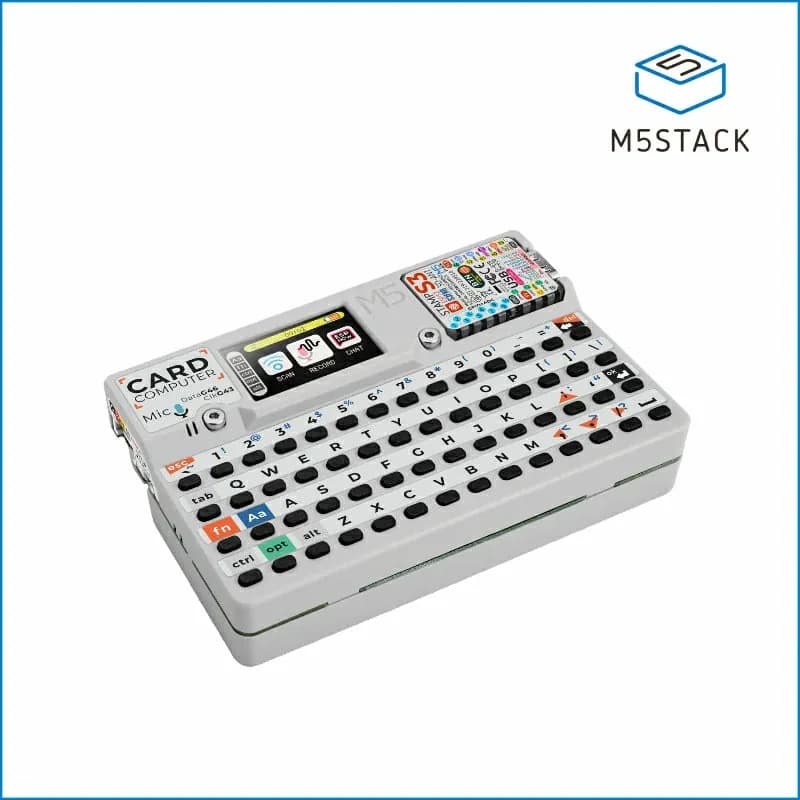
Cardputer
Pocket ESP32-S3 computer with a 56-key keyboard, 1.14-inch display, audio, infrared, microSD and expansion access.
- Platform
- Espressif ESP32-S3 (StampS3), Arduino/ESP-IDF/UIFlow
- Builds
- 07
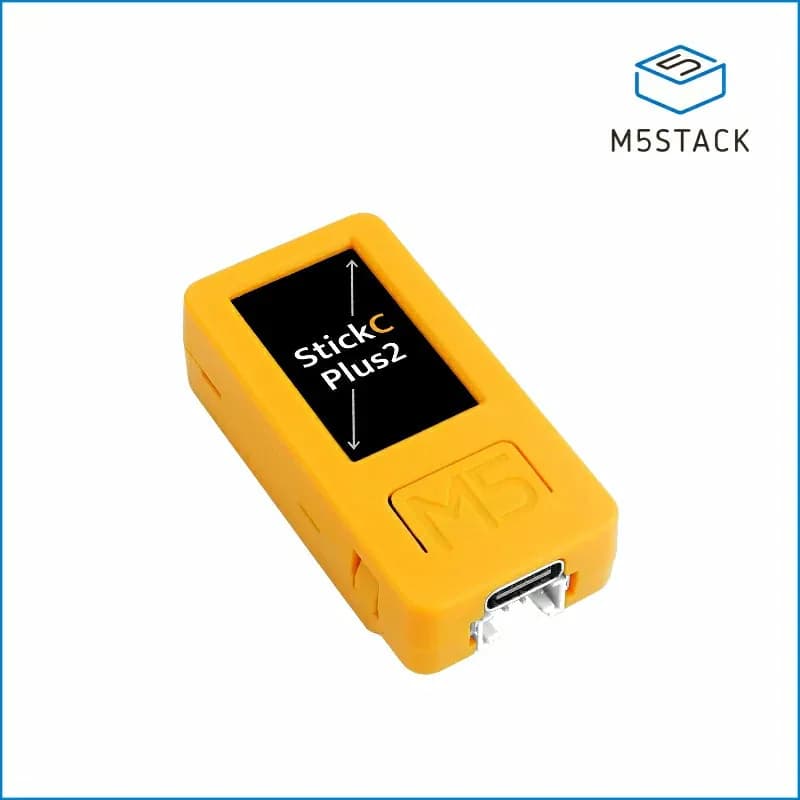
M5StickC PLUS2
Compact battery-powered ESP32 controller with a 1.14-inch display, IMU, microphone, RTC, infrared emitter and buttons.
- Platform
- Espressif ESP32-PICO-V3-02, Arduino/ESP-IDF/UIFlow
- Builds
- 04