M5StickC PLUS2 user demo
Manufacturer demo exercising the PLUS2 display, buttons, IMU, RTC, buzzer and power functions.
View original project ↗What you’re building
M5Stack’s M5StickCPlus2 UserDemo is a PlatformIO project for hardware evaluation of the M5StickC PLUS2. Its source contains dedicated tests for the LCD, keys, MPU6886 IMU, microphone, RTC, infrared output, GPIO, Wi-Fi, BLE, and other board functions, making it useful both as a factory-style diagnostic and as reference code for individual peripherals. The project uses the Arduino framework in PlatformIO, pins the Espressif platform to 6.1.0, and declares arduinoFFT, IRremote, and M5GFX dependencies. A complete deployment requires two distinct uploads named by the README: the firmware and the filesystem image. Once both are present, the expected outcome is the device’s interactive evaluation application rather than a reusable library. The important constraint is that the PlatformIO environment is named m5stick-c even though the repository is for PLUS2; users should preserve the checked-in configuration and dependencies rather than casually substituting a newer board package or Arduino core.
Key steps
- Clone or download the M5StickCPlus2-UserDemo project and open its root folder in PlatformIO.
- Allow PlatformIO to resolve the checked-in espressif32@6.1.0 Arduino environment and the pinned arduinoFFT, IRremote, and M5GFX libraries.
- Build the m5stick-c environment defined in platformio.ini without changing its partition configuration.
- Connect the PLUS2 and upload the compiled firmware from PlatformIO.
- Run PlatformIO’s filesystem-image upload as the separate second deployment required by the README, then reboot and work through the peripheral tests.
Original project and code
Hardware for this project
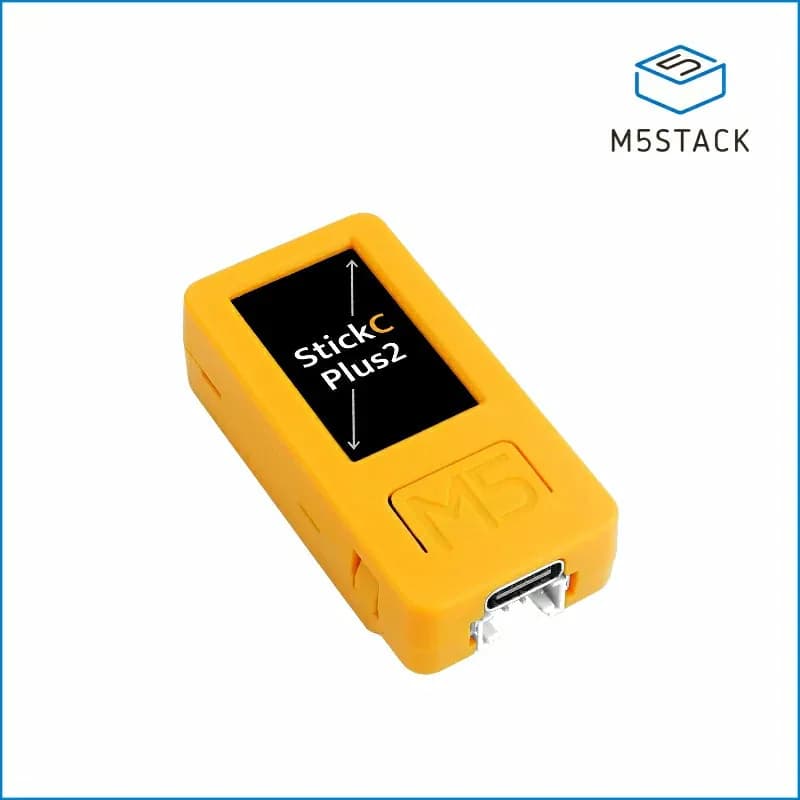
M5StickC PLUS2
Compact battery-powered ESP32 controller with a 1.14-inch display, IMU, microphone, RTC, infrared emitter and buttons.
- Platform
- Espressif ESP32-PICO-V3-02, Arduino/ESP-IDF/UIFlow
- Builds
- 04