Who this is for
Software developers, makers and security-lab learners choosing a pocket ESP32-S3 device for utilities, messaging or custom controls.
Before you start
Have these basics ready before choosing parts or flashing firmware.
- A USB-C data cable and a computer with permission to install serial drivers or browser-based flash tools.
- Basic familiarity with flashing ESP32 firmware; compilation is optional for supported prebuilt images.
- A microSD card where required by the chosen firmware, plus a suitable battery or enclosure if the selected variant does not include one.
Choose by primary interaction
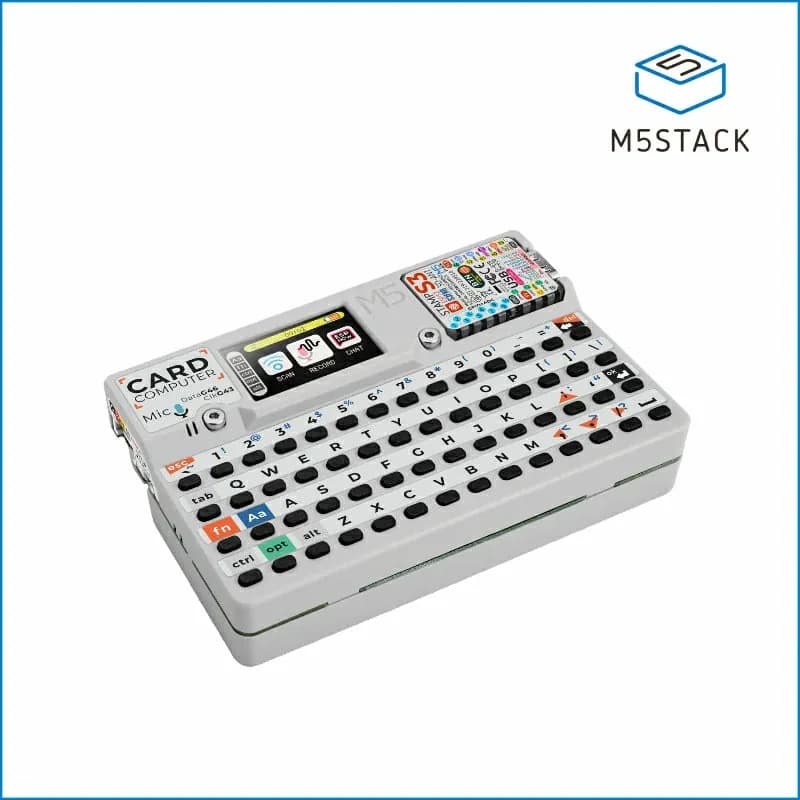
Cardputer: You want a physical keyboard, the lowest entry price and a broad community-firmware playground.
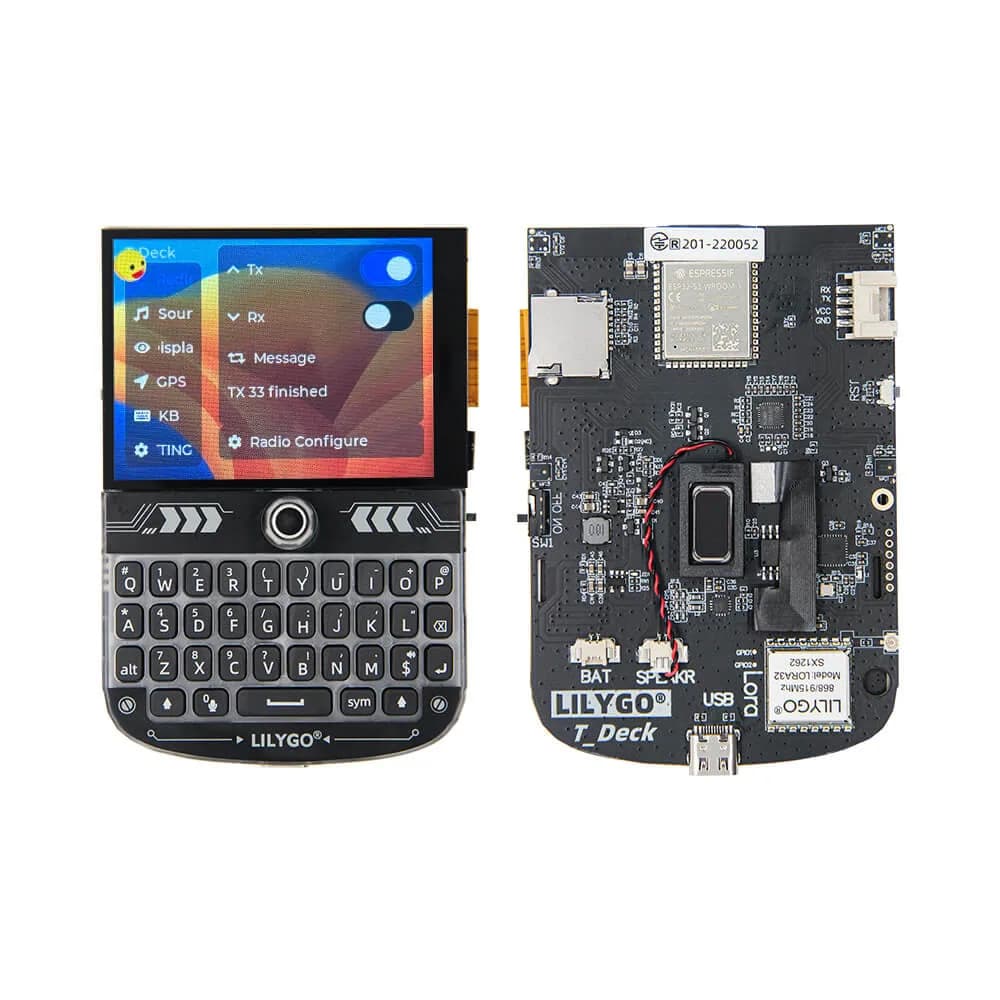
T-Deck: You want messaging, touch navigation or LoRa and accept a larger, more accessory-dependent build.
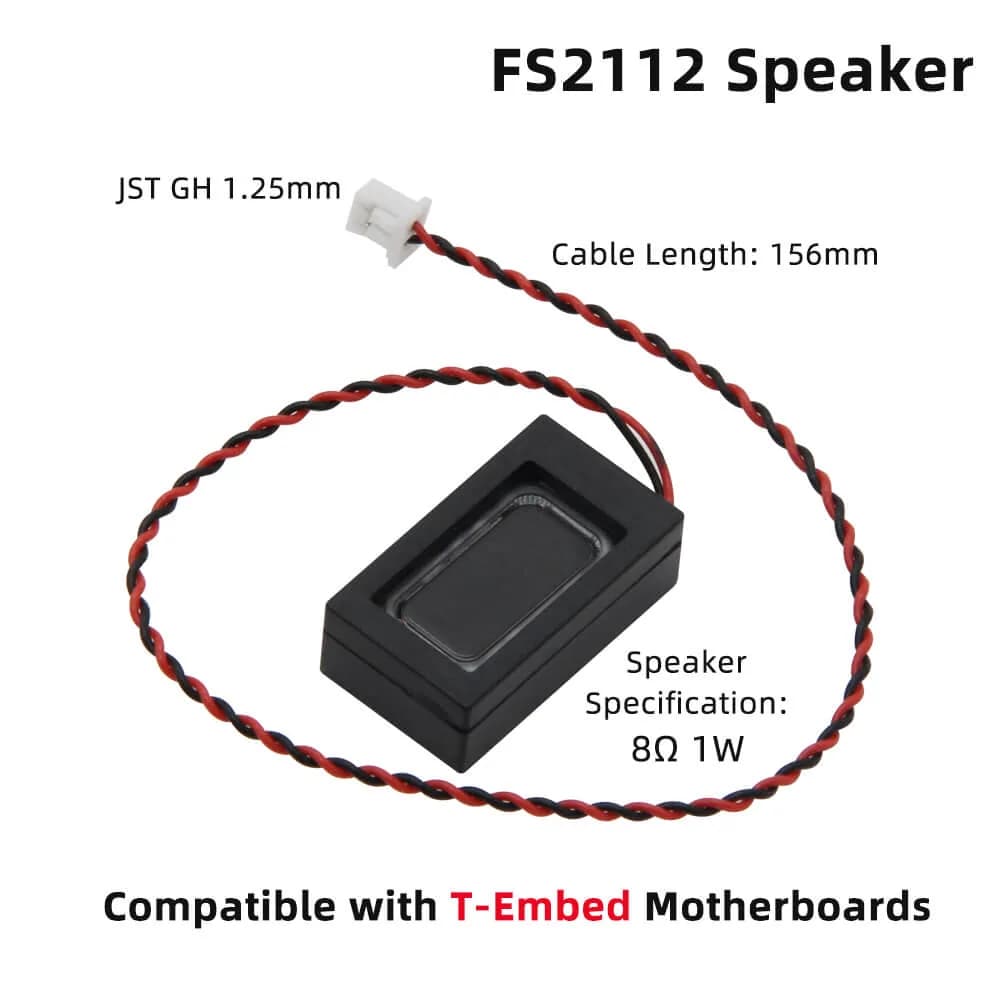
T-Embed: You want a one-handed rotary control surface rather than sustained text entry.
Start with the input, not the CPU
All three devices use the ESP32-S3 family, so the practical choice is mostly about controls and packaging. Type a paragraph mentally: a keyboard and trackball favor the T-Deck, short commands favor Cardputer, and menu or dial interaction favors T-Embed.
- List the three actions your project performs most often.
- Reject any device that makes the primary action awkward.
Check the exact hardware variant
Product names hide important variant differences. Confirm whether the T-Deck includes the SX1262 LoRa radio, which regional band it targets, and whether a battery is bundled; likewise verify the T-Embed base versus radio-equipped versions before ordering.
- Match the product photo, SKU and pinout to the repository README.
- Budget separately for battery, antenna, case and microSD.
Choose a software starting point
Use vendor examples first to prove display, keys, audio and storage. MicroHydra offers a Cardputer-oriented launcher/runtime, while Meshtastic and MeshCore are purpose-built starting points for T-Deck radio projects; treat broad security firmware as a lab tool, not a default daily environment.
- Flash one known-good image before changing libraries.
- Save the factory binary or record a recovery path.
Map the programming workflow
Arduino has the widest example coverage, ESP-IDF gives the most control, and MicroPython-style runtimes shorten iteration where the board support is mature. Choose the workflow supported by your target firmware rather than forcing a preferred language onto incomplete hardware support.
- Confirm board definition, partition layout and required libraries.
- Pin working dependency versions before customizing.
Prototype one complete interaction
Build a thin vertical slice: boot, accept one input, update the screen and save one setting. This exposes keyboard maps, display rotation, sleep behavior and storage assumptions before the project grows.
- Log serial output during the first boots.
- Test USB power and battery power separately.
Package for repeatable use
Pocket devices fail in mundane ways: exposed power switches, loose batteries and inaccessible reset buttons. Choose a case that protects the board and antenna, label the firmware version, and keep a recovery image with the project notes.
- Add a strain-relieved battery connector.
- Document the exact board variant and flash command.
Safety and legal notes
Only use wireless or security-testing features on systems and spectrum you are authorized to use. LoRa frequency plans and transmit limits vary by country, and an antenna intended for the wrong band can perform poorly or stress radio hardware.
- Do not transmit with a radio board unless the correct antenna is attached.
- Do not use community firmware to access, interfere with or impersonate third-party systems.
Troubleshooting
The flasher cannot see the board. Try a known data-capable cable, select the correct serial port, and use the documented boot/reset sequence.
The display or controls are wrong after flashing. Confirm the firmware target and board revision; do not assume binaries for a related ESP32-S3 product are compatible.
LoRa range is unexpectedly short. Check antenna connection, band match, regional configuration, power limits and line of sight before changing software.
Next steps
Keep the next experiment small and reproducible.
- Run the manufacturer hardware example suite.
- Flash one project linked above without modifications.
- Write down a one-screen project scope before buying accessories.