Meshtastic off-grid communicator
Run Meshtastic's open-source LoRa mesh firmware on supported T-Deck hardware for off-grid text and telemetry.
View original project ↗What you’re building
Meshtastic firmware turns a LILYGO T-Deck into a self-contained LoRa mesh communicator for text, location, and telemetry without cellular service or internet infrastructure. The supported T-Deck combines an ESP32-S3, SX1262 radio, 2.8-inch touchscreen, keyboard, trackball, microphone, and speaker; radio variants are sold for 433, 868, or 915 MHz. Flashing the T-Deck-specific binary gives access to Meshtastic’s on-device interface and mesh networking, followed by regional and channel configuration. The antenna must be attached before powering or flashing because operating the radio without it can damage the device. Select hardware with a legal frequency for the deployment region, and do not confuse the original LCD T-Deck firmware with T-Deck Pro firmware. The official Web Flasher requires Chrome or Edge and may need the T-Deck placed manually into Espressif download mode.
Key steps
- Attach the correct LoRa antenna before powering or connecting the T-Deck.
- Connect by USB and open the Meshtastic Web Flasher in Chrome or Edge.
- Select T Deck—not T-Deck Pro—and the intended stable firmware release.
- If automatic reset fails, power off, hold the trackball, power on, wait 2–3 seconds, then release it to enter download mode.
- Flash the firmware and keep the USB connection in place until completion.
- Complete initial Meshtastic configuration, including the legally correct radio region and desired channel.
Original project and code
Hardware for this project
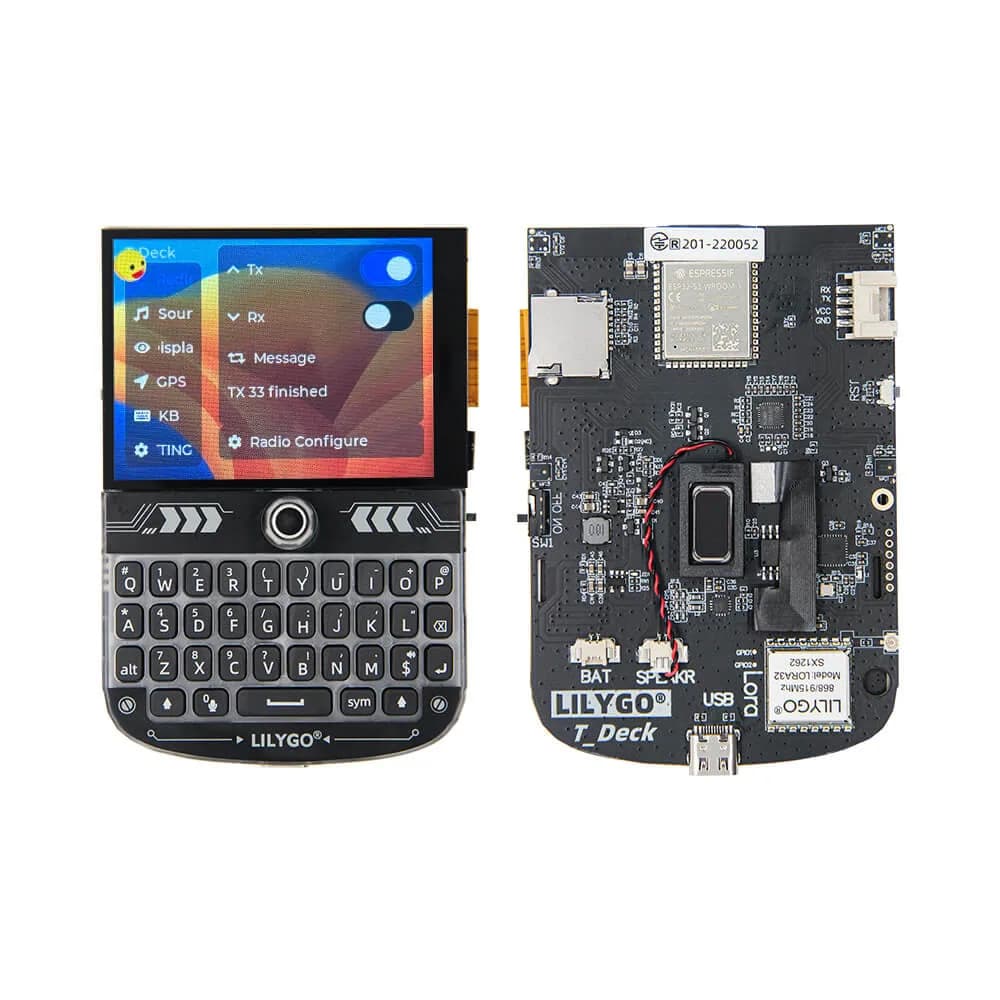
T-Deck
Pocket ESP32-S3 communicator platform with keyboard, trackball, 2.8-inch touchscreen, audio and optional LoRa radio.
- Platform
- Espressif ESP32-S3 with optional SX1262 LoRa
- Builds
- 05