01
Feather ESP32-S3 TFT setup and examples
Use Adafruit's first-party hardware guide to configure CircuitPython or Arduino and exercise the TFT, Wi-Fi and peripherals.
developer tools
Developer tools collects first-party setup paths that turn programmable hardware into a dependable workspace. The current example is Adafruit’s Feather ESP32-S3 TFT guide, which supports two deliberately different loops: CircuitPython exposes a CIRCUITPY drive for rapid code.py edits, while Arduino compiles sketches through Espressif’s board package for a more traditional firmware workflow. Both can exercise the built-in TFT, buttons, NeoPixel, wireless radio, battery support, and STEMMA QT expansion. Pick the workflow required by the libraries you intend to use rather than mixing instructions. A data-capable USB cable is mandatory; the Arduino path may need a manual reset after upload, and the ESP32-S3 bootloader does not support Windows 7 or 8. Compare compatible devices, explore original projects and use the linked guides to get moving.
2 entries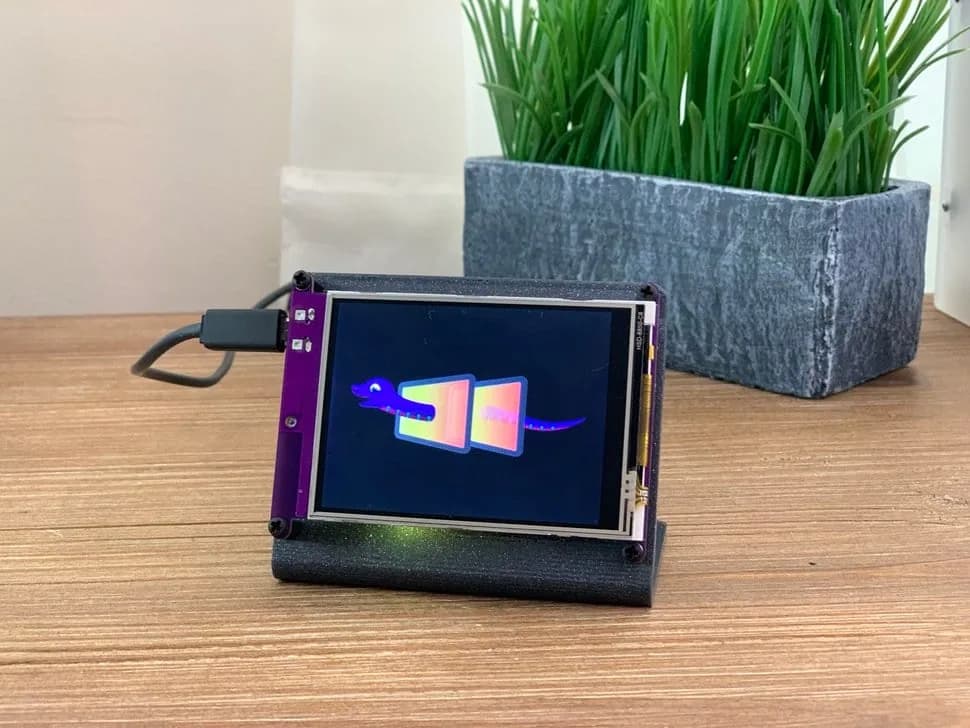
CircuitPython internet display with a 3.2-inch resistive touchscreen, SAMD51 controller and ESP32 Wi-Fi coprocessor.
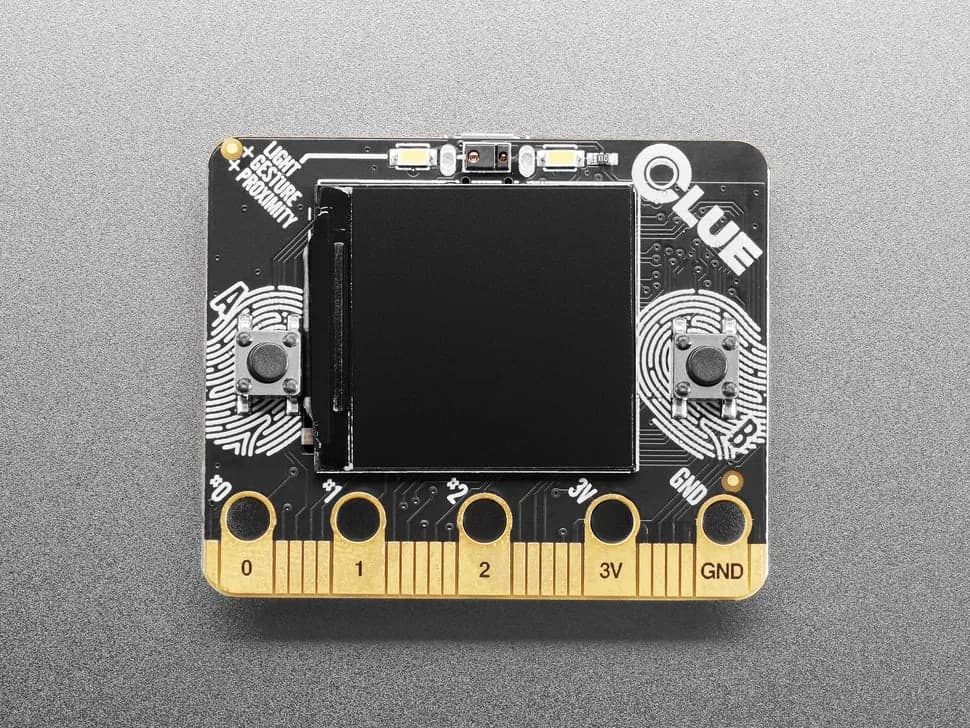
nRF52840 sensor board in a micro:bit-like shape with color display, motion, environmental, light, gesture and sound sensing.
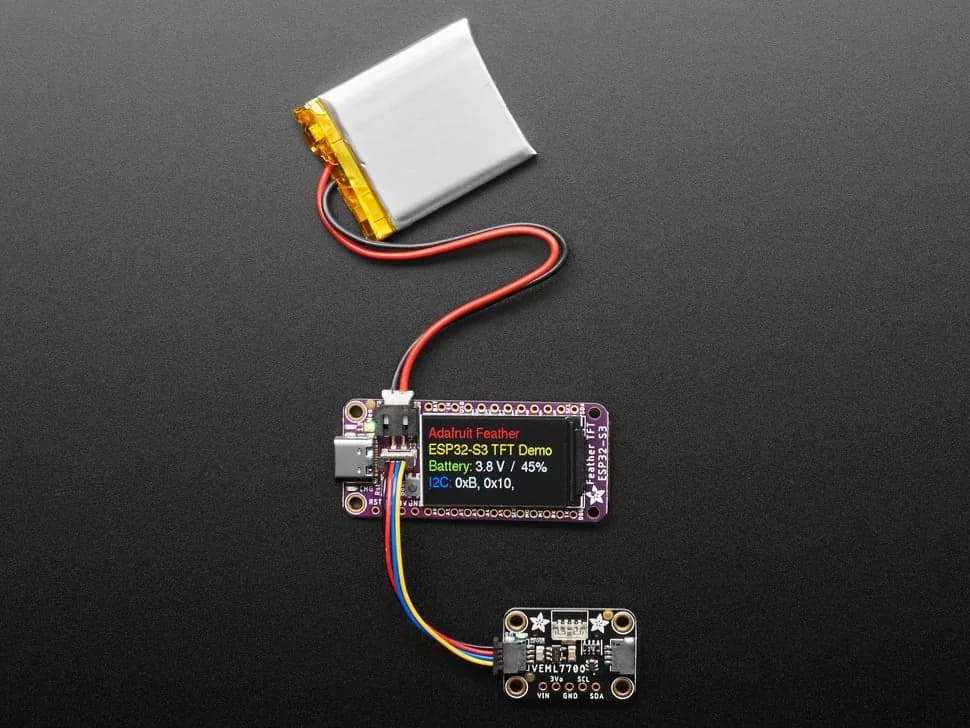
Feather-format ESP32-S3 board with built-in 1.14-inch color TFT, battery charging and STEMMA QT expansion.