UNO R4 WiFi examples
Inspect or rebuild the ESP32-S3 USB-bridge and connectivity firmware used alongside the UNO R4's Renesas processor.
View original project ↗What you’re building
This Arduino repository contains the firmware for the UNO R4 WiFi’s ESP32-S3 USB bridge, not ordinary RA4M1 Arduino sketches. The bridge uses Arduino-ESP32 and supports the connectivity coprocessor role alongside the board’s Renesas main processor. Its scripts initialize a patched ESP32 toolchain, compile with arduino-cli, export the bootloader, partition, application, and certificate assets, and optionally combine them into one S3 binary. The expected outcome is a rebuilt or restored USB-connectivity firmware image on an UNO R4 WiFi. This is a maintenance and firmware-development workflow: the ESP32-S3 must be placed into ESP download mode before writing, exact offsets and 4 MB flash parameters matter, and flashing an incorrect or incomplete image can break USB or network connectivity until restored.
Key steps
- Clone the USB-bridge repository and initialize its submodules with the documented shallow submodule command.
- Enter hardware/esp32-patched/esp32/tools and run get.py to obtain the toolchain.
- Run compile.sh to create the bridge firmware binaries, or export.sh to generate a combined S3.bin with certificates.
- Put the UNO R4 WiFi’s ESP32-S3 into ESP download mode manually or with the repository updater.
- Flash the generated files with the documented esptool offsets, or write S3.bin at address 0x0 with espflash, then verify USB connectivity.
Original project and code
Hardware for this project
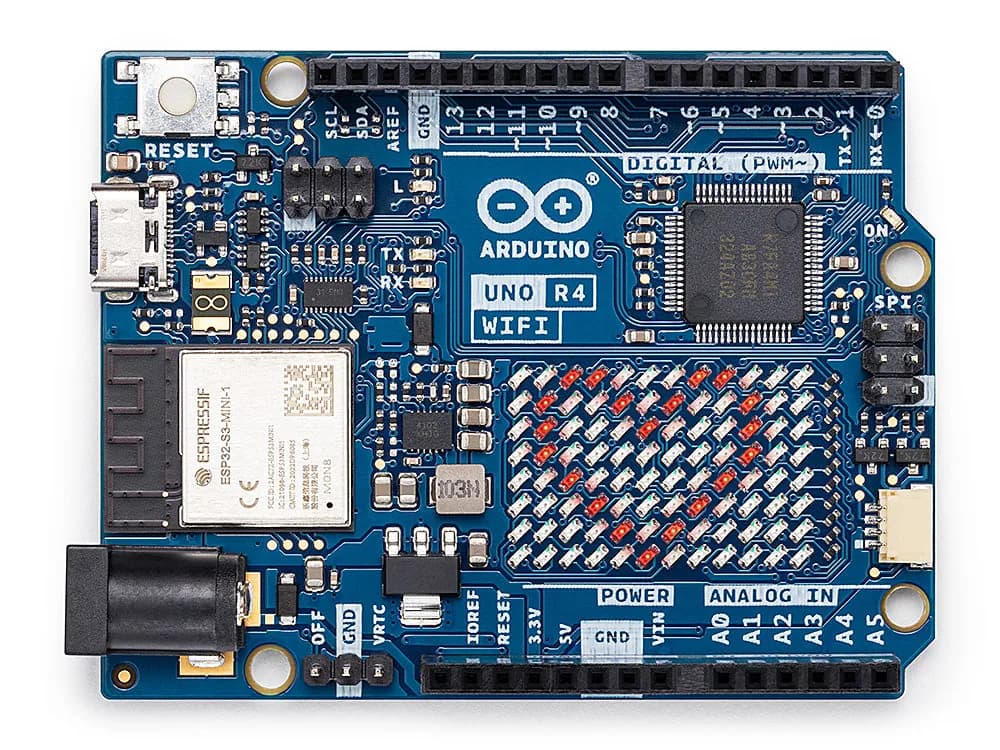
UNO R4 WiFi
UNO-form-factor board pairing a 32-bit Renesas MCU with ESP32-S3 connectivity, a 12×8 LED matrix and Qwiic connector.
- Platform
- Renesas RA4M1 plus ESP32-S3 connectivity module · Arduino
- Builds
- 02