Flipper Zero official firmware
Build, inspect or extend the official open-source firmware that drives Flipper Zero's radio, NFC, infrared, GPIO and application system.
View original project ↗What you’re building
Flipper Devices’ official repository is the complete C/C++ firmware tree for Flipper Zero, including system services, hardware targets, libraries, assets, and built-in applications for the device’s radio, NFC, infrared, GPIO, and user interface. It is intended for developers who want to inspect the platform, build the stock firmware, modify device-level behavior, or create applications that truly belong in firmware. The supported host environments are Windows 10 or newer, macOS 12 or newer, and Ubuntu 20.04 or newer; the Flipper Build Tool downloads the remaining build dependencies. A successful build produces firmware that can be flashed by USB or an optional supported debug probe. The important constraint is scope: the maintainers explicitly recommend implementing many ideas as external applications instead of changing core firmware, and contributors must follow the repository’s license, coding style, and contribution rules.
Key steps
- Clone the firmware repository recursively so its submodules are present.
- Run ./fbt from the repository root to let the Flipper Build System obtain dependencies and compile the firmware.
- Connect a powered, functioning Flipper Zero over USB and use ./fbt flash_usb, or connect a supported in-circuit debugger and use ./fbt flash.
- Test the resulting firmware on the device and consult the repository’s FBT, application-manifest, file-format, and recovery documentation before changing core behavior.
- If contributing upstream, confirm the change belongs in firmware rather than the external application catalog, then follow the contribution and coding-style guides and require green CI.
Original project and code
Hardware for this project
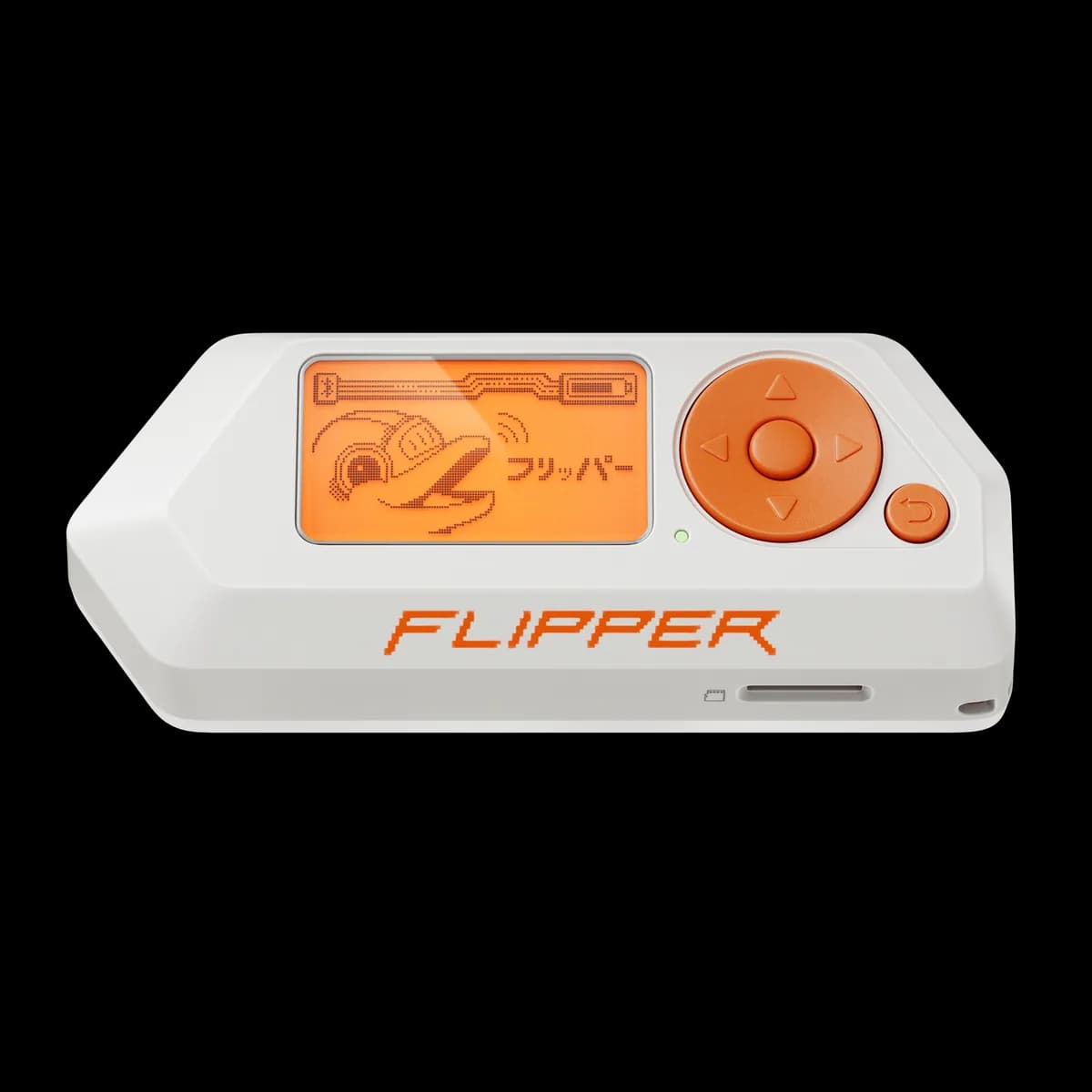
Flipper Zero
Pocket hardware multi-tool with Sub-GHz radio, 125 kHz RFID, NFC, infrared, iButton, USB and GPIO interfaces.
- Platform
- STM32WB55 (Arm Cortex-M4/M0+) running Flipper firmware
- Builds
- 05