Playdate SDK example projects
Community Playdate SDK examples provide small, inspectable Lua projects for learning input, sprites, timing and device APIs.
View original project ↗What you’re building
This community repository contains three focused Lua source examples for Playdate APIs that the author considered underrepresented in the SDK samples: asynchronous QR-code generation, system lifecycle callbacks, and timer variants. The scripts import Playdate CoreLibs and demonstrate concrete API behavior such as drawing a generated QR image to a sprite, responding to pause, lock, sleep, and termination events, and driving sprites with linear, delayed, value, easing, and key-repeat timers. They are compatible with Panic’s Playdate SDK and can be tested in its Simulator before packaging for a Playdate console. The repository is not a complete game and includes no project assets or build wrapper; each file is reference code that must be placed into a valid Playdate project, with timer updates preserved where required.
Key steps
- Install Panic’s Playdate SDK and create the normal source folder for a minimal Lua Playdate project.
- Choose the repository’s QR-code, lifecycle, or timer example according to the API being studied.
- Copy or adapt that script as the project’s main Lua source while preserving its required CoreLib imports.
- For QR codes and timer-driven examples, keep playdate.timer.updateTimers() in playdate.update() so asynchronous work advances.
- Build and run the project in the Playdate Simulator, then sideload the packaged build to hardware if device verification is needed.
Original project and code
Hardware for this project
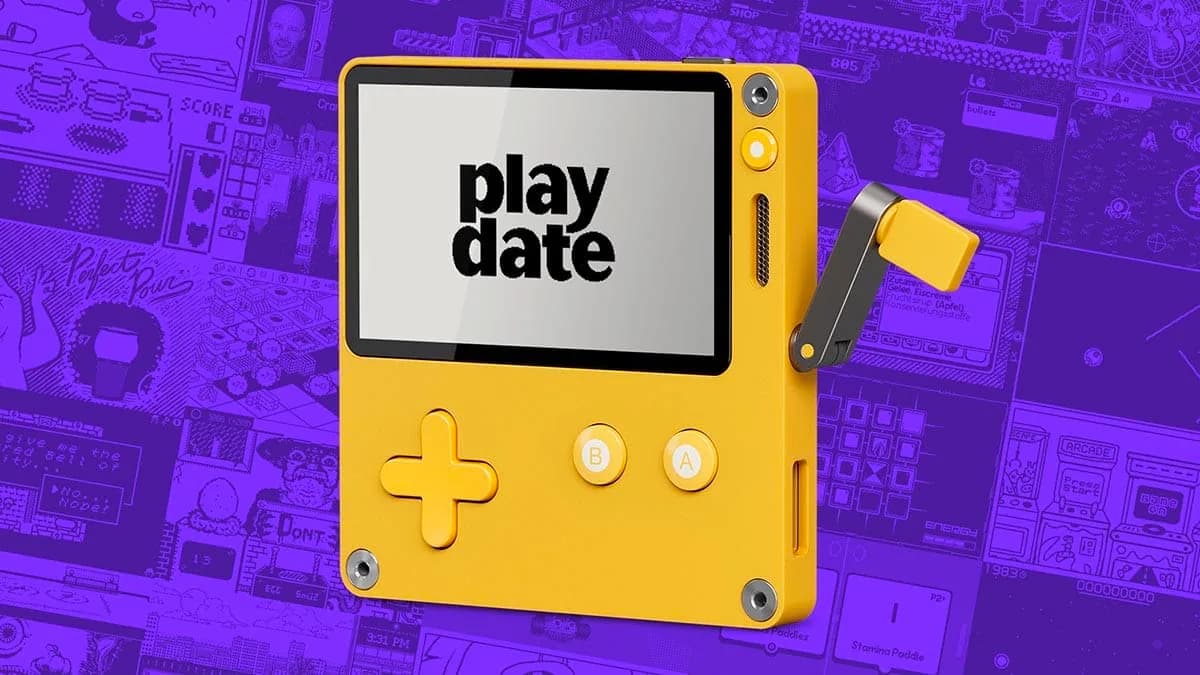
Playdate
Pocket game console with a 1-bit 400×240 display, buttons, accelerometer, Wi-Fi and a side-mounted analog crank.
- Platform
- Arm Cortex-M7, Playdate SDK (Lua/C) · LUA
- Builds
- 03