Playorama crank-controlled video player
Open-source crank-controlled video player demonstrates media conversion and frame playback on Playdate.
View original project ↗What you’re building
Playorama is an open-source video player for Panic’s Playdate that uses the crank for variable-speed playback, reverse movement, and frame-by-frame scrubbing while paused. A pauses, B opens the menu, Up toggles the track bar, and Left/Right select playback speeds; the crank reaches up to 4×. The release includes a demo video, so the player can be tested before converting personal media. Custom video must be encoded as .pdv, while matching audio must be supplied in a Playdate-readable format with the same base filename and placed in Playorama’s Data folder. The expected outcome is tactile, crank-controlled monochrome playback on real Playdate hardware. Media preparation is the main constraint: the online encoder emits only .pdv, and Playdate cannot read the .m4a produced by one documented macOS encoder from an app Data folder, requiring audio conversion.
Key steps
- Download the latest Playorama release and obtain the Playorama.pdx bundle.
- Sideload the PDX through Playdate’s supported USB or account-based sideloading workflow.
- Launch the included demo and verify pause, menu, track bar, speed selection, crank scrubbing, and frame stepping.
- For custom media, encode video to .pdv and convert audio to a Playdate-readable companion format.
- Enter Data Disk mode and place video and audio with the same base name in the exact Playorama application Data folder.
- Restart Playorama, open the custom video, and use its Log system-menu option to diagnose file errors.
Original project and code
Hardware for this project
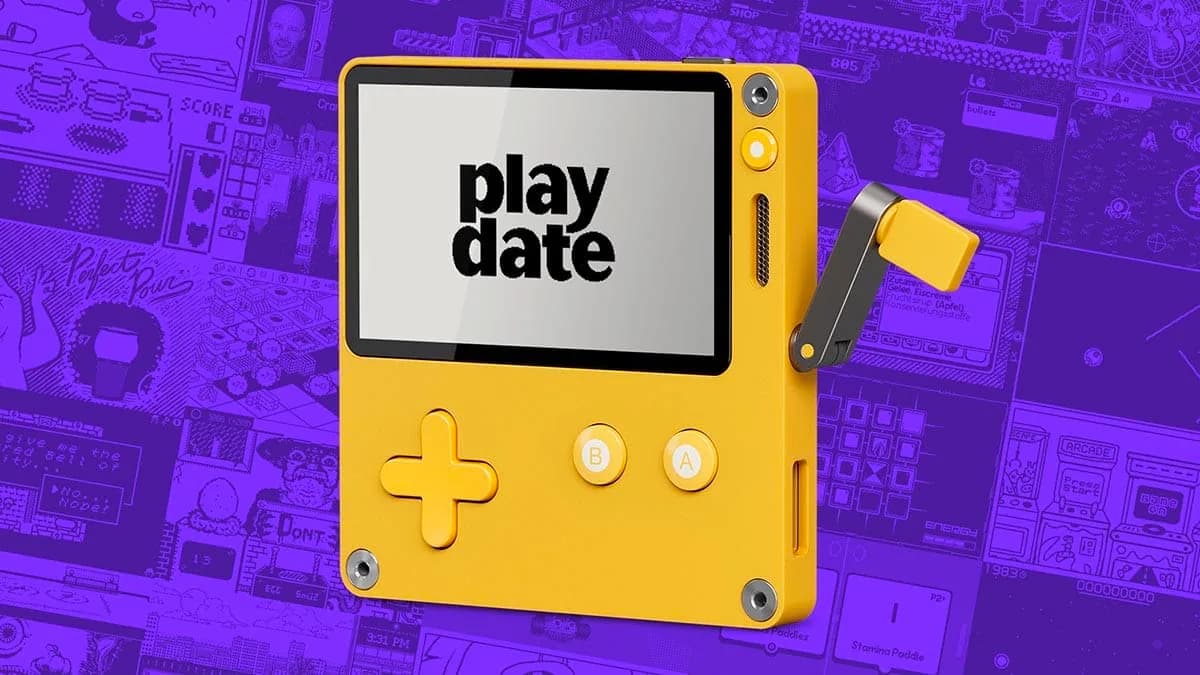
Playdate
Pocket game console with a 1-bit 400×240 display, buttons, accelerometer, Wi-Fi and a side-mounted analog crank.
- Platform
- Arm Cortex-M7, Playdate SDK (Lua/C) · LUA
- Builds
- 03