Stack-chan desktop robot
Open-source palm-sized companion robot using an M5Stack display as an animated face with servo-driven movement.
View original project ↗What you’re building
Stack-chan is an open-source palm-sized companion robot whose M5Stack controller displays an animated face and coordinates servo-driven movement. The repository supplies firmware, user applications called MODs, browser tools, cases, and schematics. Distributed firmware supports original M5Stack, Core2, CoreS3, and M5StackChan CoreS3 hardware, so the Flashable Core2 record is supported, although CoreS3 is the project’s standard release-validation target. A complete build also needs a compatible Stack-chan body and servo arrangement; firmware alone does not create the moving robot. First-time users can flash a supported assembled unit, then browse, simulate, and install MODs from the project’s web tools. The key constraint is target selection: the quick installer instructions default to M5StackChan CoreS3, while some Core2 plus SG90 configurations must be built from source according to the firmware guide.
Key steps
- Confirm the case, servo, and controller combination against the repository’s case, schematic, and firmware guides.
- Connect the assembled Stack-chan controller to a computer with a data-capable USB cable.
- Use the web firmware installer only if it offers the exact hardware target; otherwise build the documented Core2 target from source.
- Flash the target-specific firmware, noting that this replaces the M5Stack factory firmware.
- Open the MOD Gallery, test a MOD in the simulator where available, then install it on the robot.
- Verify the face renders and servo movement matches the physical assembly without binding.
Original project and code
Hardware for this project
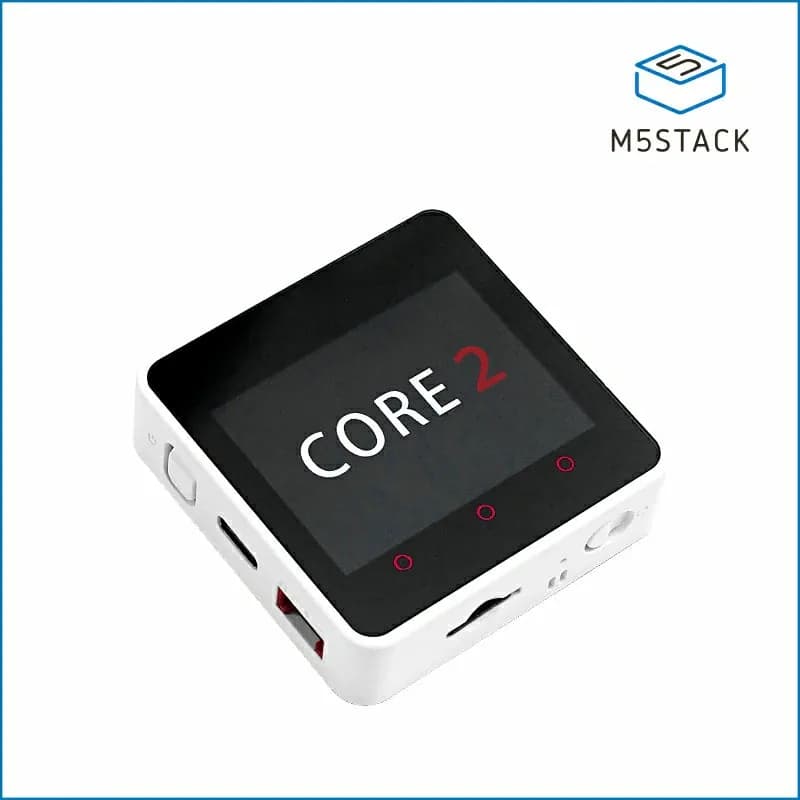
Core2
Stackable ESP32 IoT controller with a 2-inch capacitive touchscreen, battery, IMU, speaker and Grove expansion.
- Platform
- Espressif ESP32-D0WDQ6-V3, Arduino/ESP-IDF/UIFlow
- Builds
- 03