Unleashed firmware
Alternative Flipper Zero firmware with community applications and protocol additions; users must follow local radio regulations.
View original project ↗What you’re building
Unleashed is a community fork of the official Flipper Zero firmware that remains compatible with the official firmware API and applications while adding interface changes, protocol support, bundled apps, and other component improvements. It targets Flipper Zero hardware and can be installed as a release package with the project web installer, qFlipper, the mobile app, or an offline microSD update; developers can also create an updater package with the repository’s fbt build tool. A successful install boots the alternative firmware with its required assets available on the microSD card. First-time users must update to the latest official firmware before proceeding, keep a microSD card installed, and use only radio features and frequencies permitted in their jurisdiction.
Key steps
- For a first installation, update Flipper Zero to the latest official firmware and verify that a microSD card is installed.
- Open the Unleashed Web Installer in a Chromium-based browser, connect the Flipper, and select the Release or Dev branch.
- Run Install and leave the device connected while firmware and required assets are written.
- After reboot, confirm the firmware starts and consult the repository’s feature documentation before configuring applications or Sub-GHz functions.
Original project and code
Hardware for this project
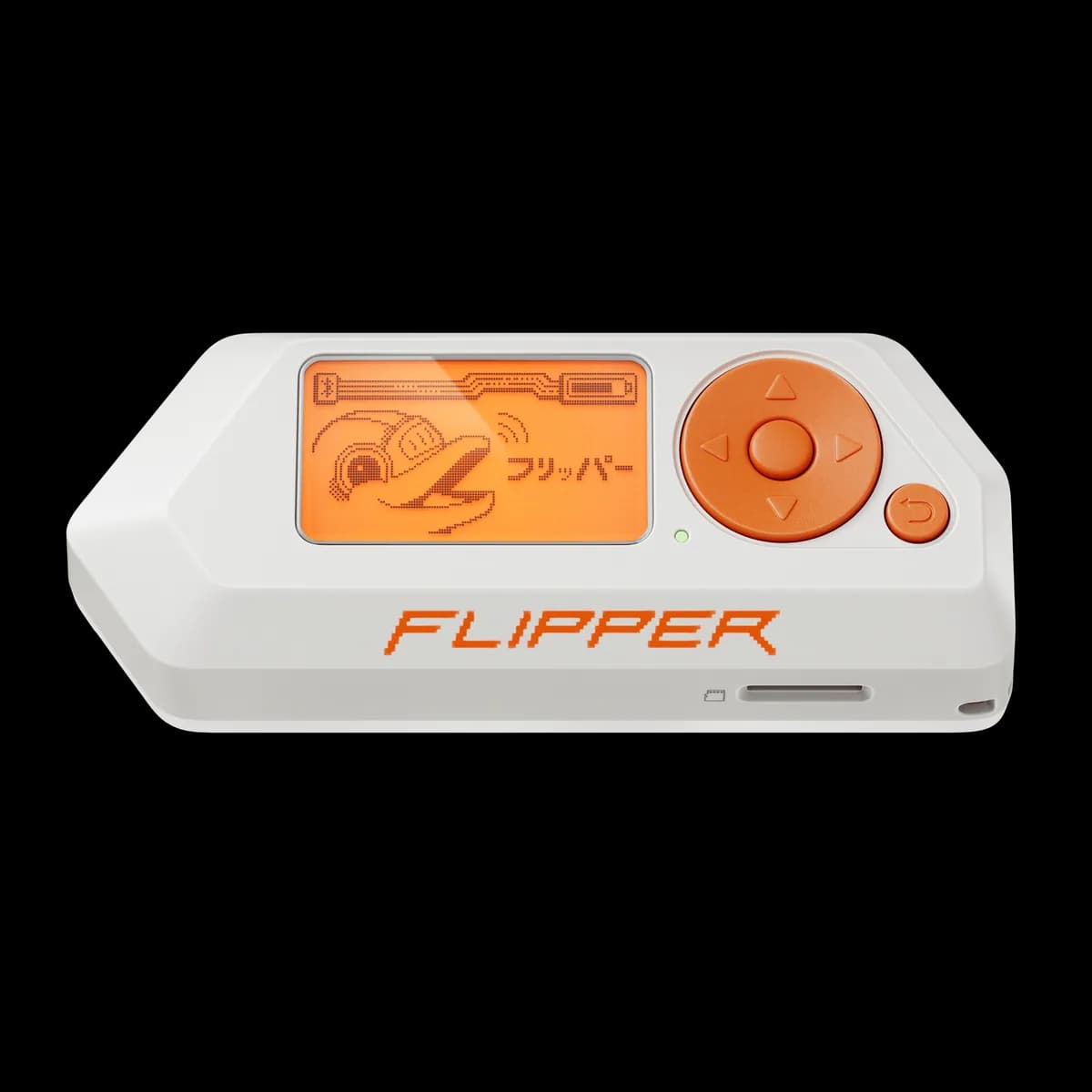
Flipper Zero
Pocket hardware multi-tool with Sub-GHz radio, 125 kHz RFID, NFC, infrared, iButton, USB and GPIO interfaces.
- Platform
- STM32WB55 (Arm Cortex-M4/M0+) running Flipper firmware
- Builds
- 05