Community BadUSB script collection
Educational USB automation payload collection for controlled lab systems and owned computers.
View original project ↗What you’re building
This community repository reformats a collection of keyboard-injection payloads for Flipper Zero’s BadUSB application. Its examples range from visible pranks to scripts that collect browser, Wi-Fi, microphone, credential, or network data and may transmit it to third-party services. The practical outcome is a set of ready-to-inspect DuckyScript-style payload folders rather than a standalone firmware image. Hardware compatibility is Flipper Zero acting as a USB keyboard against a host computer; individual payloads are operating-system- and service-specific, so compatibility must be checked in each payload’s README and source before use. The decisive constraint is authorization: many included payloads are invasive and can expose secrets or alter a computer. They should only be reviewed or exercised on an isolated machine you own or have explicit permission to test, with network exfiltration endpoints removed or replaced by controlled lab sinks.
Key steps
- Choose one payload from the repository table and read that payload’s README and script before copying anything to the Flipper.
- Identify every command, downloaded URL, token, webhook, Dropbox target, or data-collection action and remove or replace external destinations for the lab.
- Copy only the reviewed payload files into the Flipper Zero BadUSB script area on the microSD card.
- Run the script solely against an isolated, owned test computer while observing the exact keystrokes and host-side effects.
- Delete captured data and restore the test machine afterward; do not use payloads that collect credentials, audio, or private data without explicit consent.
Original project and code
Hardware for this project
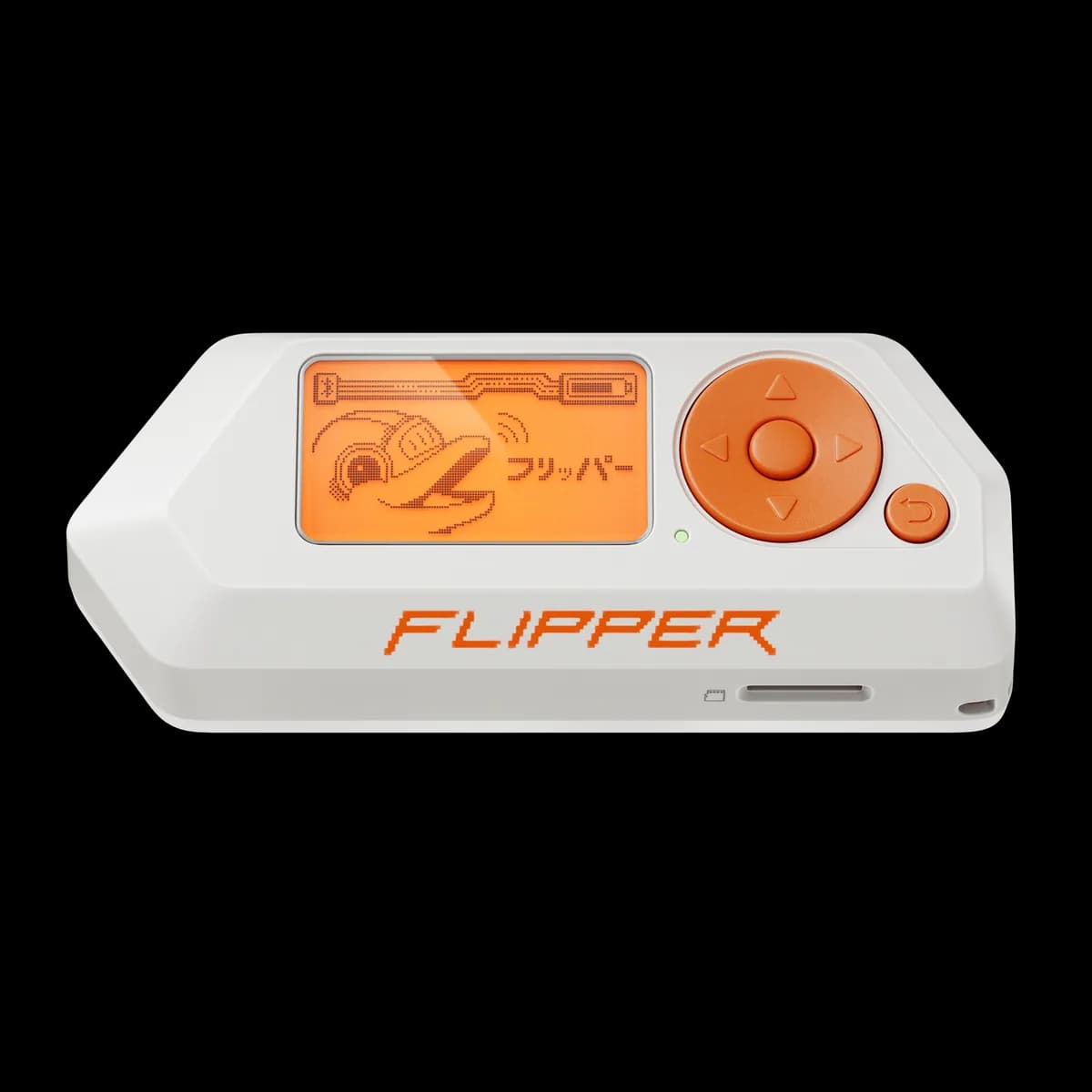
Flipper Zero
Pocket hardware multi-tool with Sub-GHz radio, 125 kHz RFID, NFC, infrared, iButton, USB and GPIO interfaces.
- Platform
- STM32WB55 (Arm Cortex-M4/M0+) running Flipper firmware
- Builds
- 05