Flipper application catalog
Browse and package community applications distributed through the official Flipper mobile-app catalog pipeline.
View original project ↗What you’re building
The Flipper Application Catalog is the official manifest repository behind community app distribution for Flipper Zero. It stores application metadata and build information rather than the applications’ source code; catalog automation retrieves source from each manifest, builds compatible packages, and publishes archives to the Flipper Application Mirror. For an end user, the practical outcome is searchable, installable Flipper apps through the official iOS or Android companion app, or through Flipper Lab in a Chromium-based browser. A Flipper Zero and one supported companion route are required. The important constraint is that this repository is a catalog and packaging pipeline, not a folder of ready-to-copy source projects. Compatibility, permissions, and support remain app-specific, so review an app’s catalog details and linked project before installing or reporting a problem.
Key steps
- Choose the official Flipper Mobile App or open Flipper Lab in a Chromium-based browser.
- Connect or pair the Flipper Zero using the companion interface’s supported transport.
- Search the Apps Catalog for the specific application and inspect its catalog metadata.
- Install the catalog-built application package through the companion interface.
- Launch the app on the Flipper and use the catalog entry’s linked project when app-specific support is needed.
Original project and code
Hardware for this project
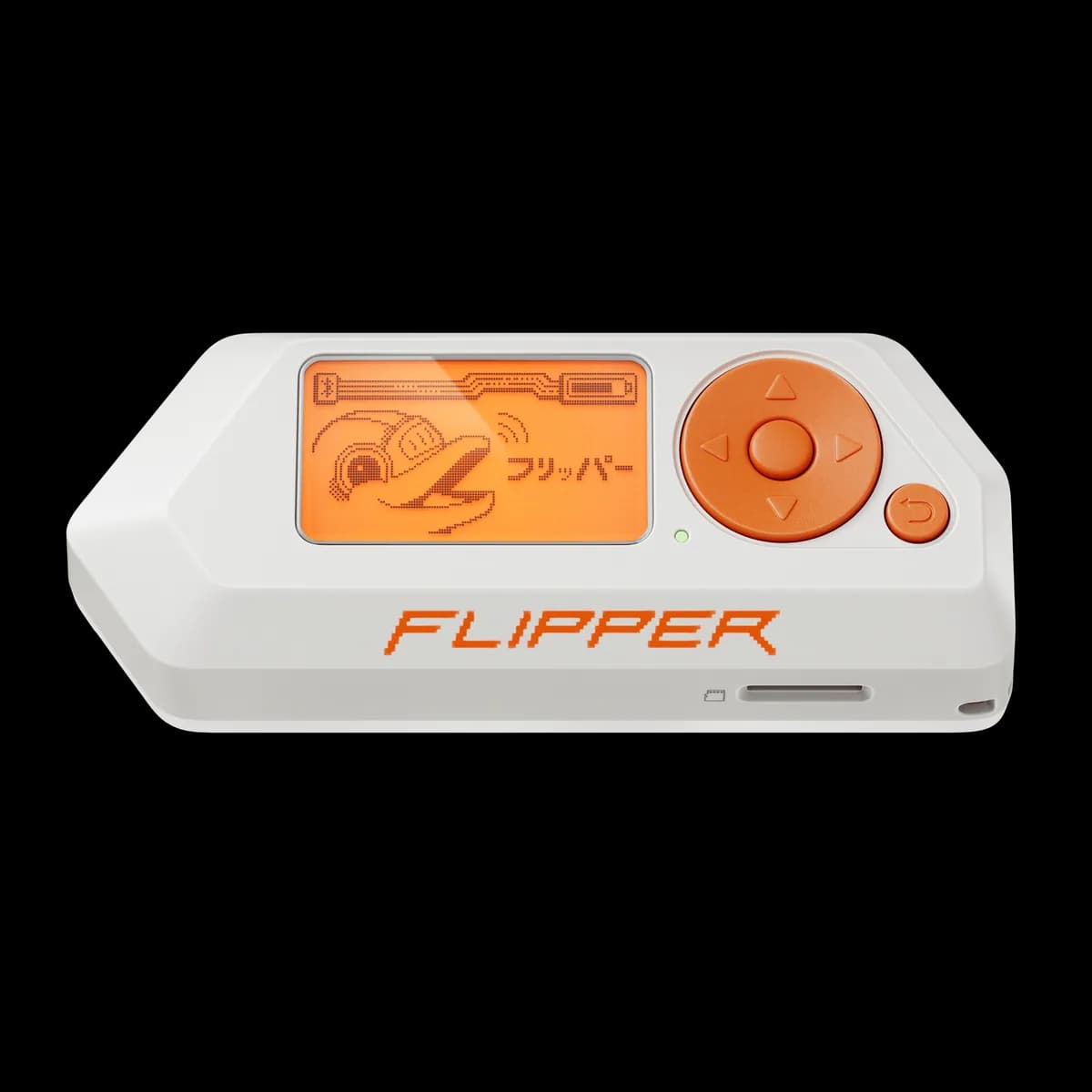
Flipper Zero
Pocket hardware multi-tool with Sub-GHz radio, 125 kHz RFID, NFC, infrared, iButton, USB and GPIO interfaces.
- Platform
- STM32WB55 (Arm Cortex-M4/M0+) running Flipper firmware
- Builds
- 05