Momentum custom firmware
Community firmware distribution adding interface customization, extra protocols and an expanded app workflow for Flipper Zero.
View original project ↗What you’re building
Momentum is community firmware for Flipper Zero, derived from the official firmware and continuing the Xtreme project while incorporating features from Unleashed. It adds an on-device Momentum settings app, broad interface customization, asset packs, menu and keybind changes, extra applications, and expanded protocol configuration. Installation targets a standard Flipper Zero and can be performed through Momentum’s Chrome-based Web Updater, Flipper Lab/mobile app, qFlipper package, or a copied update archive. The expected result is a replacement firmware environment with configurable graphics, behavior, apps, and radio-related settings. This is not official Flipper Devices firmware, and flashing replaces the currently installed firmware. Close qFlipper before using the Web Updater, choose the intended release channel deliberately, and use radio features only within applicable laws and hardware limits.
Key steps
- Close qFlipper so it does not contend for the Flipper’s USB connection.
- Open Momentum’s Web Updater in Chrome and click Connect.
- Select the connected Flipper Zero from the browser’s device list.
- Choose the desired Momentum update channel from the updater dropdown.
- Start Install, leave the device connected, and wait for the update to complete.
- Open Momentum Settings on the device to configure interface, menu, keybind, or asset-pack options.
Original project and code
Hardware for this project
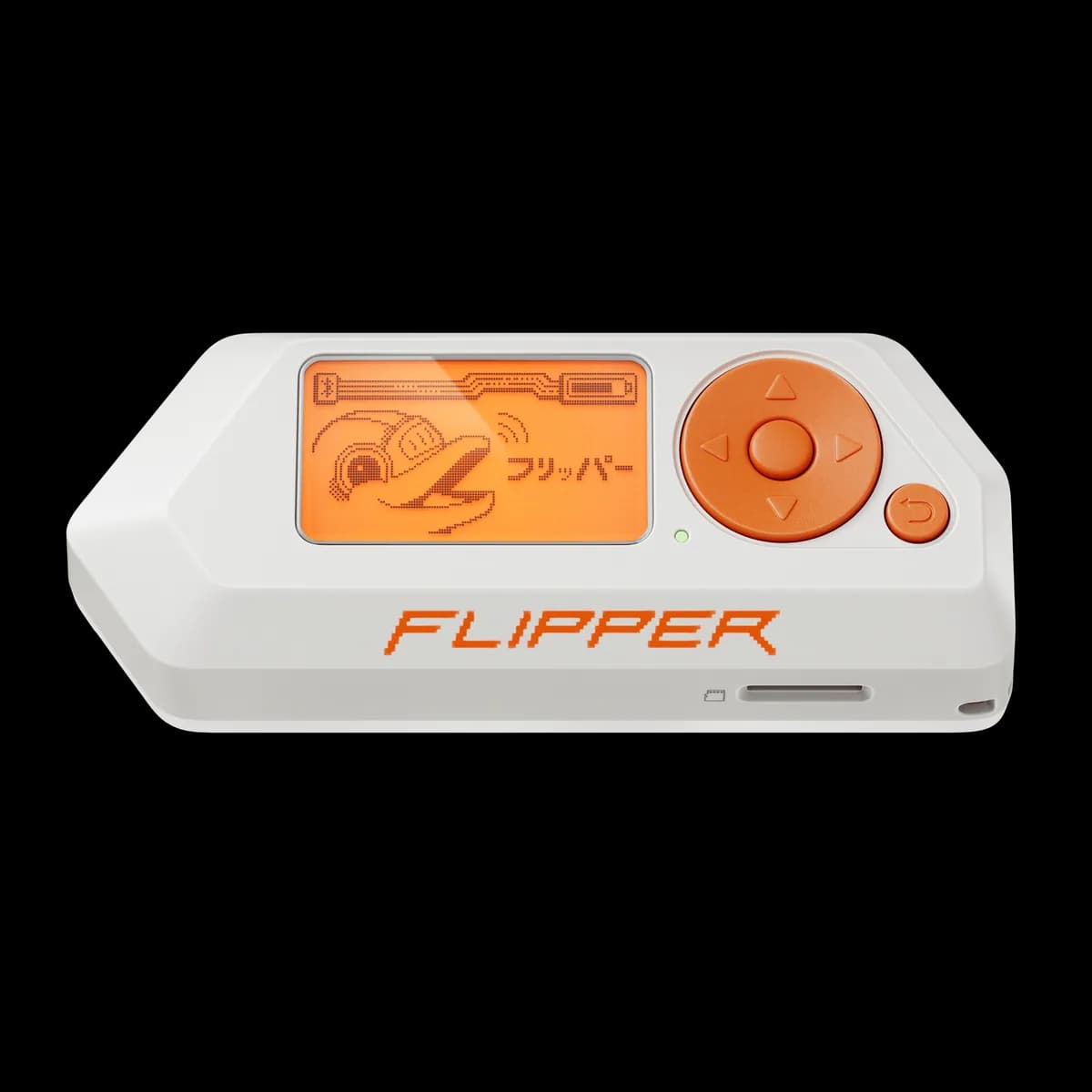
Flipper Zero
Pocket hardware multi-tool with Sub-GHz radio, 125 kHz RFID, NFC, infrared, iButton, USB and GPIO interfaces.
- Platform
- STM32WB55 (Arm Cortex-M4/M0+) running Flipper firmware
- Builds
- 05