Home Assistant voice assistant for ESP32-S3-BOX-3
Flash the exact ESP32-S3-BOX-3 image to add a display-equipped Home Assistant Assist satellite with optional on-device wake-word detection.
View original project ↗What you’re building
Home Assistant’s first-party tutorial explicitly supports ESP32-S3-BOX-3 and BOX-3B, using a dedicated ESPHome configuration for the board’s display, microphones, speaker and controls. The precompiled browser installer joins 2.4 GHz Wi-Fi, discovers the device through ESPHome and turns it into an Assist satellite that shows listening, processing, reply and timer states. Users can run wake-word detection on the BOX-3 or in Home Assistant, then send recognized requests through the configured Assist pipeline and hear its response. The expected outcome is voice control of authorized Home Assistant entities from a self-contained desk terminal. This is not automatically a fully local assistant: speech recognition, conversation and text-to-speech follow the selected cloud or local pipeline. Initial flashing requires desktop Chrome or Edge, direct USB rather than the dock, and the exact BOX-3 target.
Key steps
- Confirm the label is ESP32-S3-BOX-3 or BOX-3B, prepare Home Assistant Assist, and open the first-party installer in desktop Chrome or Edge.
- Connect USB-C directly to the BOX-3 rather than its blue dock; if no serial port appears, hold Boot while tapping Reset to enter flash mode.
- Choose Install Voice Assistant, flash the precompiled image, then provision the device on the documented 2.4 GHz Wi-Fi network.
- Select Add to Home Assistant, approve the discovered ESPHome device, and assign the BOX-3 to the intended room.
- Choose on-device or Home Assistant wake-word processing, then verify a non-critical command, spoken response, display states, mute control and a timer.
Original project and code
Hardware for this project
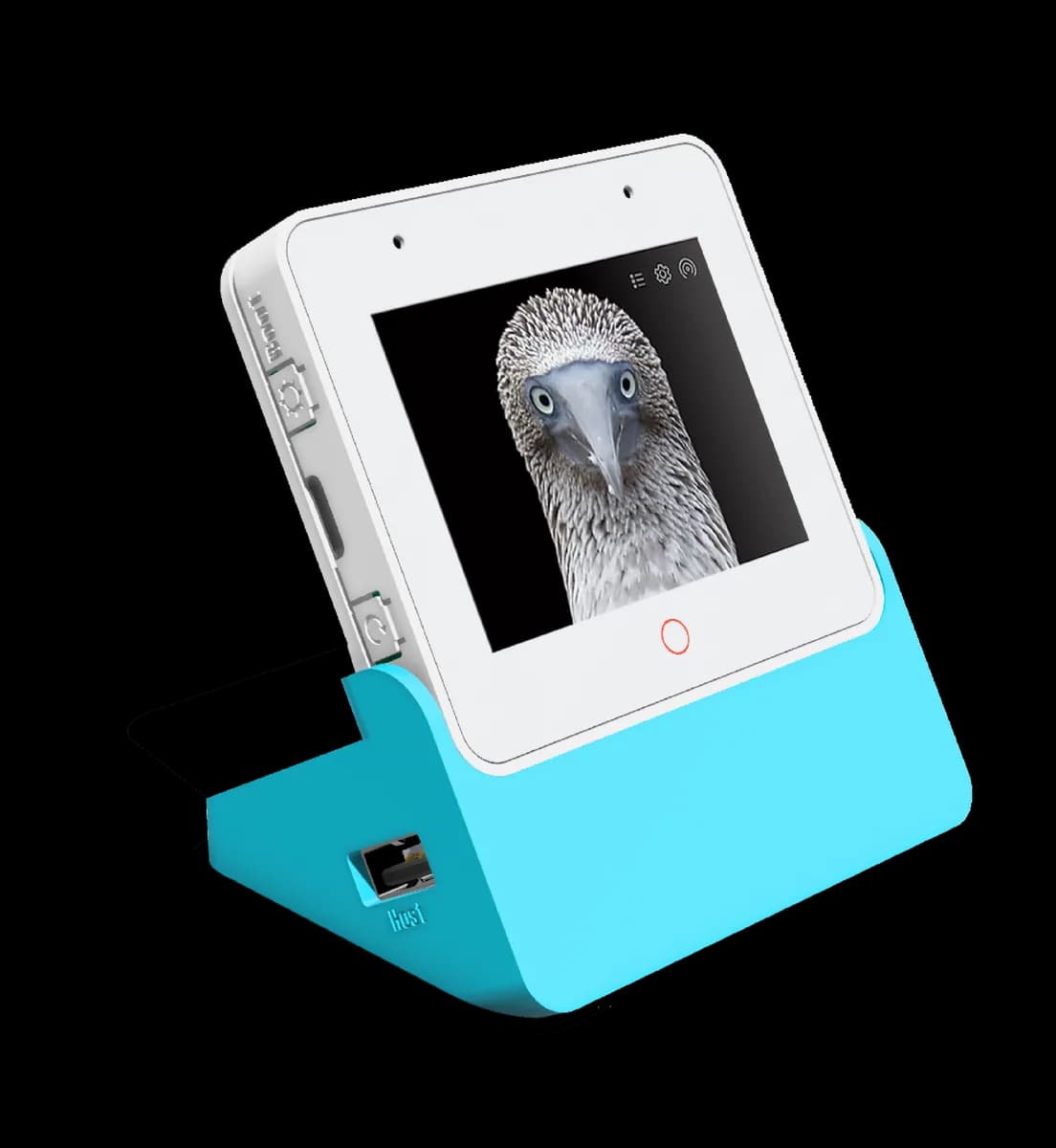
ESP32-S3-BOX-3
ESP32-S3 AIoT development kit with touchscreen, microphone array, speaker and modular sensor accessories.
- Platform
- Espressif ESP32-S3, ESP-IDF/Arduino
- Builds
- 03