ESP-BOX ChatGPT demo
Reference application connects ESP-BOX voice input and screen output to an online conversational API.
View original project ↗What you’re building
Espressif’s ChatGPT demo uses an ESP32-S3-BOX, BOX-Lite, or BOX-3 as a voice chatbot terminal. The device records spoken input, sends it through OpenAI APIs, receives a response, converts the response to speech, and plays it through the built-in audio hardware while using the screen for interaction. ESP32-S3-BOX-3 is explicitly supported. The repository requires ESP-IDF master, with a specific fallback commit documented for build problems, and contains two projects that must both be built: factory_nvs for stored credentials and chatgpt_demo for the application. The expected result is cloud-backed voice conversation after entering Wi-Fi and API credentials through on-screen prompts. This is not offline inference: it requires internet access, an OpenAI API key, and available paid API tokens. The source also says the example is unavailable in Mainland China because of OpenAI restrictions.
Key steps
- Install ESP-IDF master, or use the README’s pinned fallback commit if component builds fail, and update submodules recursively.
- Clone Espressif’s esp-box repository and enter examples/chatgpt_demo/factory_nvs.
- Run idf.py menuconfig, select ESP32-S3-BOX-3 and the appropriate HMI board configuration, then build factory_nvs.
- Move to examples/chatgpt_demo, repeat the BOX-3 hardware selection, and build the main demo.
- Flash the main project to the connected serial port and let the board boot.
- Follow the display prompts to enter Wi-Fi credentials and a valid OpenAI key, then test spoken input and audio response.
Original project and code
Hardware for this project
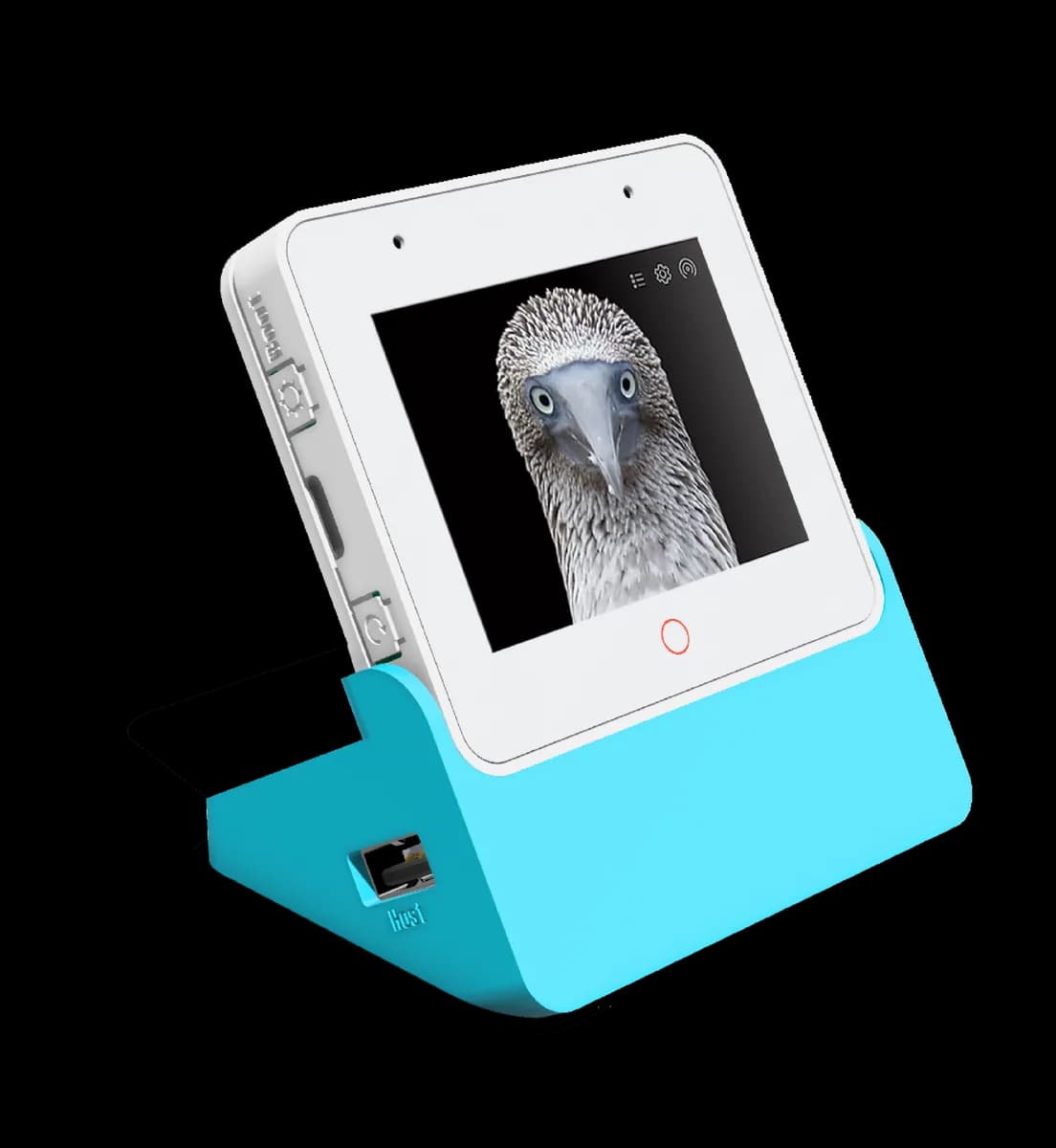
ESP32-S3-BOX-3
ESP32-S3 AIoT development kit with touchscreen, microphone array, speaker and modular sensor accessories.
- Platform
- Espressif ESP32-S3, ESP-IDF/Arduino
- Builds
- 03