Badger 2040 W example apps
Pimoroni's firmware and examples include badge, calendar, weather and information-display patterns for the e-paper device.
View original project ↗What you’re building
Pimoroni’s badger2040 repository provides custom MicroPython firmware, documentation, and a launcher-style collection of example apps for Badger 2040 and wireless Badger 2040 W. On the W model, the package can display a configurable name badge, persistent RTC-backed clock, text ebook, JPEG images, checklist, QR codes, network details, news headlines, and Open-Meteo weather. Flashing a with-badger-os UF2 produces the Badger OS launcher and preloaded filesystem; the regular UF2 updates firmware while retaining user files. The expected outcome is a low-power e-paper application menu that can be modified with Python files and assets. The most important constraint is destructive installation choice: a with-badger-os image overwrites both firmware and the filesystem, so existing scripts and data must be backed up first. Wi-Fi examples also require credentials in WIFI_CONFIG.py, and e-paper’s refresh behavior differs from an LCD’s continuous animation model.
Key steps
- Back up files from the device, then download the latest badger2040w release and choose between the filesystem-preserving MicroPython UF2 and destructive with-badger-os UF2.
- Hold BOOTSEL on the onboard Pico W, press RESET, and release into the RPI-RP2 boot drive.
- Drag the selected badger2040w UF2 onto RPI-RP2 and wait for the board to reset; the Badger OS variant should open its launcher.
- For wireless examples, populate WIFI_CONFIG.py with the intended network credentials before launching network info, news, clock synchronization, or weather.
- Customize the relevant files and assets—for example badge.txt plus a 104-by-128 JPEG for the Badge app—then verify buttons, e-paper refreshes, sleep, and RTC persistence.
Original project and code
Hardware for this project
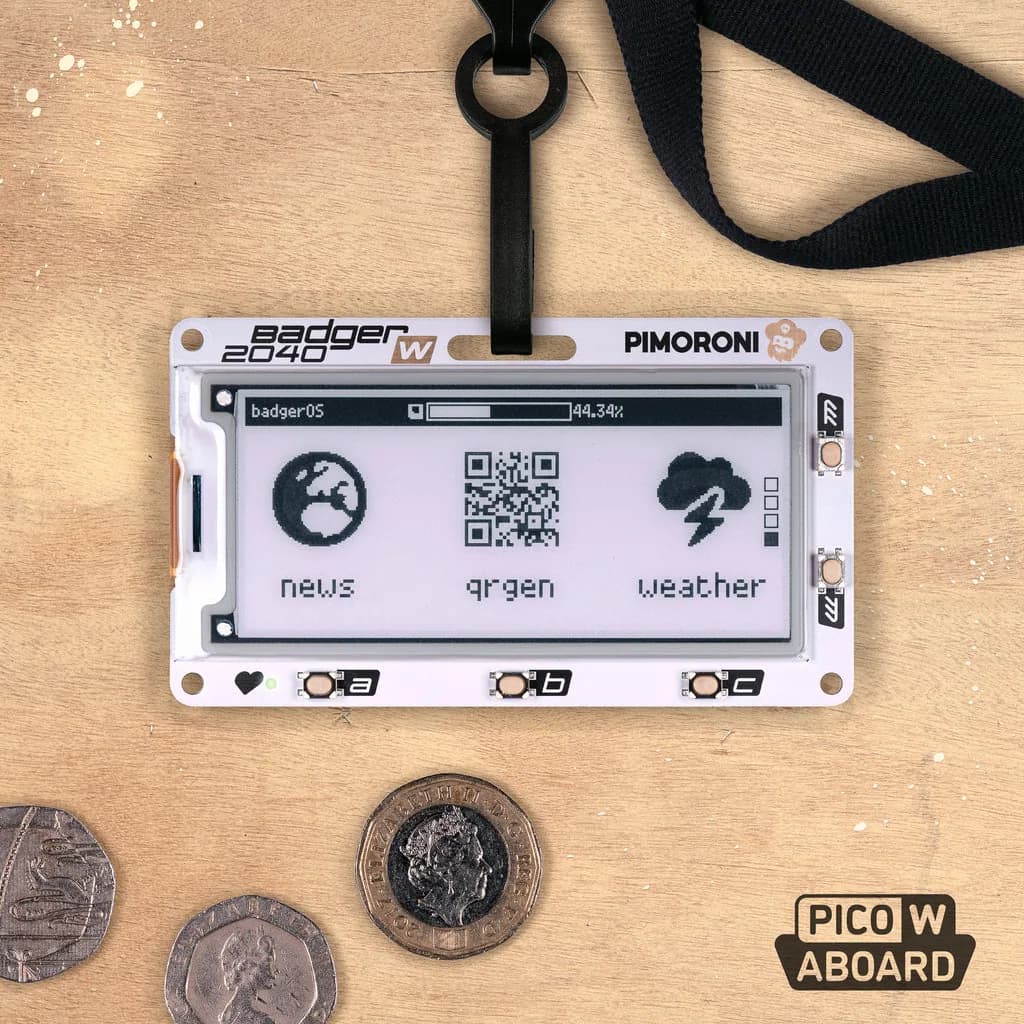
Badger 2040 W
Wireless programmable e-paper badge with a 2.9-inch monochrome display, five front buttons and battery support.
- Platform
- Raspberry Pi RP2040 plus Infineon CYW43439, MicroPython/C++ · Micropython
- Builds
- 01