01
CLUE spirit level
Use the CLUE accelerometer and display to create a pocket digital bubble level.
measurement tool
Measurement tools use onboard sensors to create a focused instrument rather than a general sensor demo. Adafruit’s CLUE spirit level reads the board’s accelerometer, calculates tilt, and renders a digital bubble on the color display, giving a pocket-sized example of calibration, filtering, and visual feedback. It differs from the CLUE Sensor Plotter because the output is an interpreted level indication rather than a scrolling stream of raw readings. Install the CircuitPython libraries specified by the guide and keep board orientation consistent with the code’s axes. Accelerometer offset, mounting, and scaling affect the indicated center, so calibrate against a trusted reference and do not use the hobby build for safety-critical alignment. Compare compatible devices, explore original projects and use the linked guides to get moving.
1 entry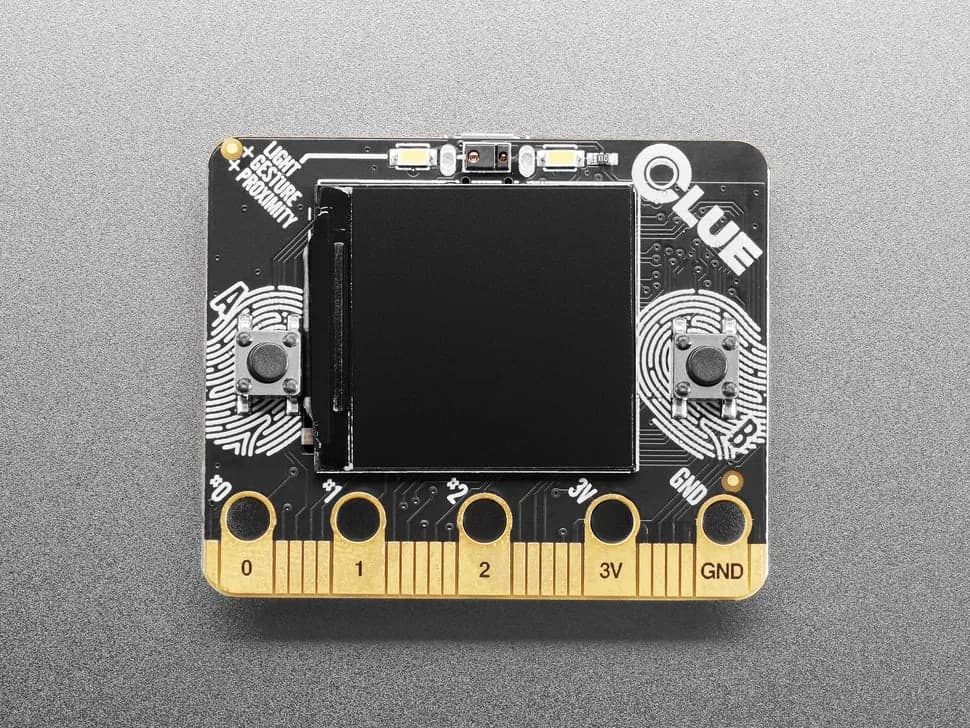
nRF52840 sensor board in a micro:bit-like shape with color display, motion, environmental, light, gesture and sound sensing.