01
Shrike-lite FPGA LED blink
Load Vicharak’s tested LED bitstream through the RP2040 to blink the Shrike-lite’s FPGA-connected user LED.
fpga learning
FPGA learning introduces digital logic by loading a hardware bitstream rather than only running sequential microcontroller code. Vicharak’s Shrike-lite starter flow uses the board’s RP2040 to configure a separate 1,120-LUT Renesas ForgeFPGA, beginning with a tested design that blinks the FPGA-connected user LED on pin 16. The manufacturer documents MicroPython, CircuitPython and Arduino host routes plus Verilog generation, but beginners should keep the first test narrow: install the Shrike-lite firmware, copy the current prebuilt LED bitstream and call the supplied shrike.flash() helper. Do not substitute firmware for RP2350 Shrike or ESP32-S3 Shrike-fi. Keep every external signal at 3.3 V and use only one documented power input at a time. Compare compatible devices, explore original projects and use the linked guides to get moving.
1 entry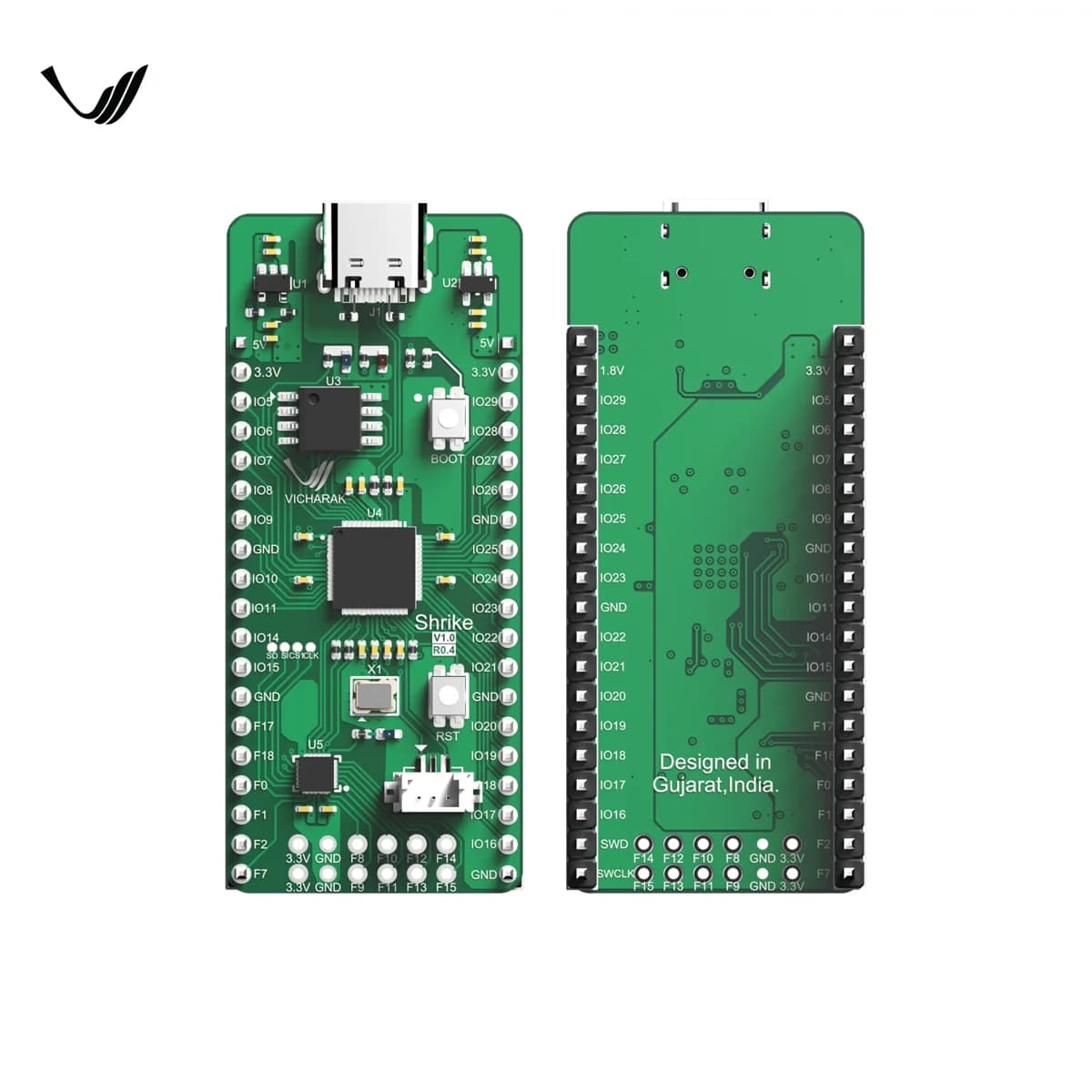
Open-source RP2040 and 1,120-LUT ForgeFPGA development board with a six-bit MCU–FPGA link, PMOD connector, breadboard-friendly GPIO and USB-C.