PyPortal weather station
Fetch online weather data over Wi-Fi and present forecasts and conditions on the touch display.
View original project ↗What you’re building
Adafruit’s PyPortal Weather Station uses CircuitPython to query OpenWeatherMap for current conditions at a configured location, obtains local time through Adafruit IO, and draws the result with a weather icon on the PyPortal touchscreen. The build targets the original Adafruit PyPortal or PyPortal Pynt with its SAMD51 controller and ESP32 Wi-Fi coprocessor. After the project bundle and credentials are copied to CIRCUITPY, the display refreshes weather periodically and updates the shown time between requests; an optional printed enclosure and magnetic mount turn it into a desk or fridge display. It requires working 2.4 GHz Wi-Fi plus OpenWeatherMap and Adafruit IO account credentials, and the current connectivity example specifies CircuitPython 9.2.x or later.
Key steps
- Install the current PyPortal CircuitPython UF2 by copying it to PORTALBOOT and confirm that CIRCUITPY appears.
- Create settings.toml with Wi-Fi credentials, an OpenWeatherMap token, and Adafruit IO username and key.
- Download the guide’s PyPortal_OpenWeather project bundle and copy its code, libraries, graphics, and support files to CIRCUITPY.
- Edit the LOCATION value and preferred Celsius or 12/24-hour display settings in the supplied code.
- Restart the PyPortal and verify it obtains time, fetches the selected location’s weather, and renders the condition icon.
Original project and code
Hardware for this project
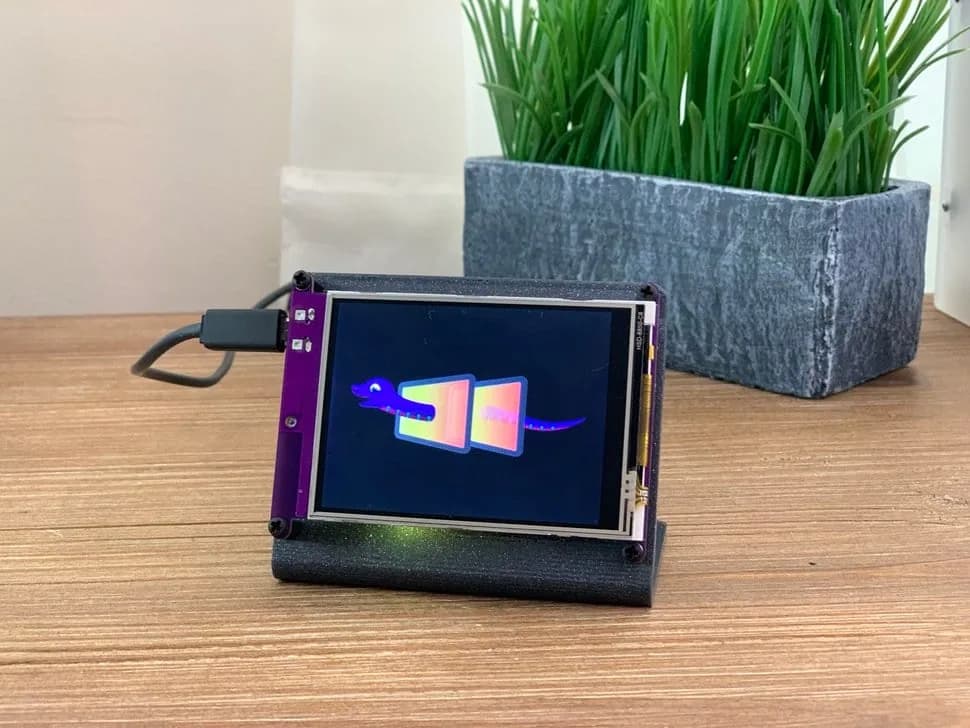
PyPortal
CircuitPython internet display with a 3.2-inch resistive touchscreen, SAMD51 controller and ESP32 Wi-Fi coprocessor.
- Platform
- ATSAMD51J20 plus ESP32 Wi-Fi coprocessor, CircuitPython · Circuitpython
- Builds
- 01