Game Bub firmware v1.0.1 update
Install Game Bub’s v1.0.1 bugfix release over USB and confirm the running version from the handheld settings.
View original project ↗What you’re building
Game Bub firmware v1.0.1 is the first bugfix release for the horizontal mass-production handheld. It fixes SRAM faults on some units, long-filename crashes, unwanted power-on behavior, GB/GBC display artifacts and 8 KB EEPROM saving for emulated GBA cartridges. The official update path uses the handheld’s UF2 bootloader: start fully powered off, enter update mode with Volume- and Power, mount the GAME BUB USB drive, copy the release UF2 and confirm the version under Settings → About after the automatic restart. The v1.0.1 download is explicitly named for revision 4; the archived v0.1 release instead identifies its bitstreams as revision 2 files. Finish or save any running game before powering down, keep the device connected during the copy, and use a data-capable cable.
Key steps
- Finish or save the current game, download gamebub-rev4_v1.0.1.uf2 from the official release, and confirm that the target is the horizontal mass-production revision 4 handheld named by the asset.
- Power the handheld off, wait 10 seconds, then hold Volume- while pressing Power; expect the purple light to blink twice at a time while the screen remains off.
- Connect the handheld to the computer with a data-capable USB-C cable and wait for the GAME BUB virtual drive to appear.
- Copy the v1.0.1 UF2 file to GAME BUB, keep the cable connected for up to 30 seconds, and wait for the handheld to restart automatically.
- Open Settings → About and confirm firmware v1.0.1. If Windows reports a failed copy and the handheld does not restart, reconnect it in update mode and repeat the documented copy step.
Original project and code
Hardware for this project
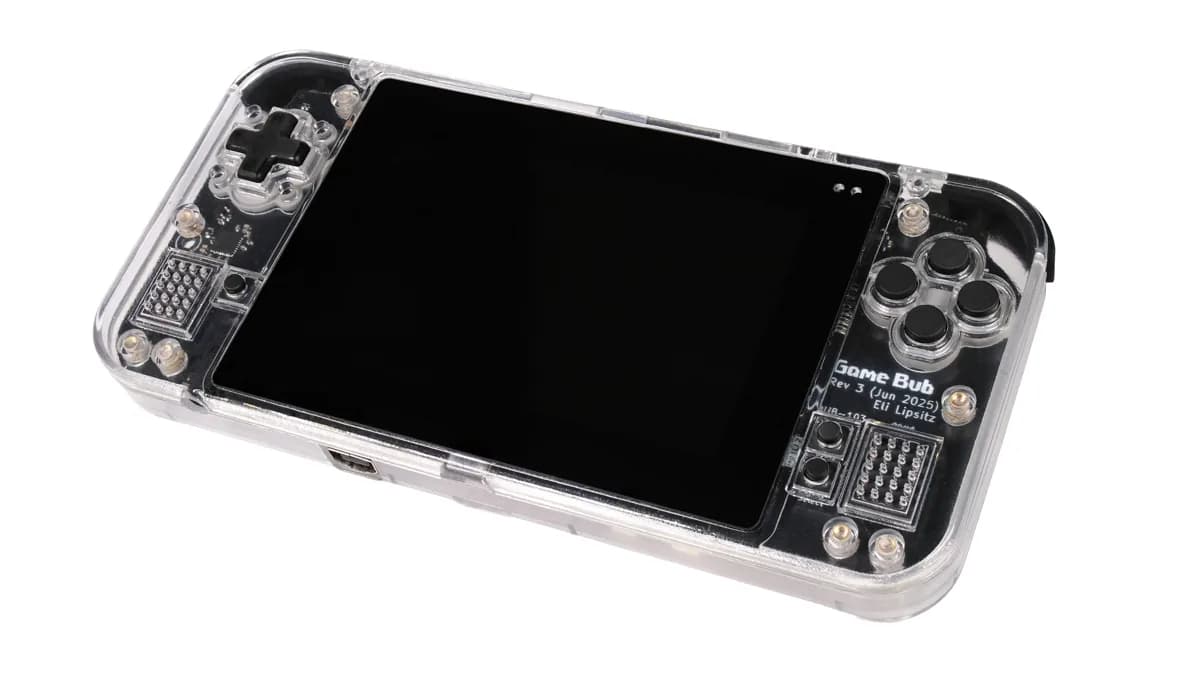
Game Bub
Open-source FPGA handheld for Game Boy-family cartridges and homebrew ROM files, with a 4-inch display, link port, motion sensing, rumble, microSD and PMOD expansion.
- Platform
- AMD Xilinx XC7A100T FPGA with ESP32-S3 auxiliary controller, Chisel/Rust
- Builds
- 01